Table of Contents
Checking your Airtel airtime balance is a simple thing that should be easy to remember, but sometimes, you may still find yourself looking up how to do it. You may be about to make a call and want to check if you have enough airtime, only to realize you cannot remember the Airtel USSD code for checking your balance.
While the USSD code is still the fastest way to check your balance, you do not have to remember it every time. Airtel also lets you check your airtime balance in other ways.
We will cover each one step by step, so you can check your balance with the option that works best for you whenever you need to.
Running low on Airtel airtime?
Buy Airtel airtime at a discount on Prestmit and get more value from every recharge.
Ways to Check Your Airtel Airtime Balance
Method 1: Using the USSD Code
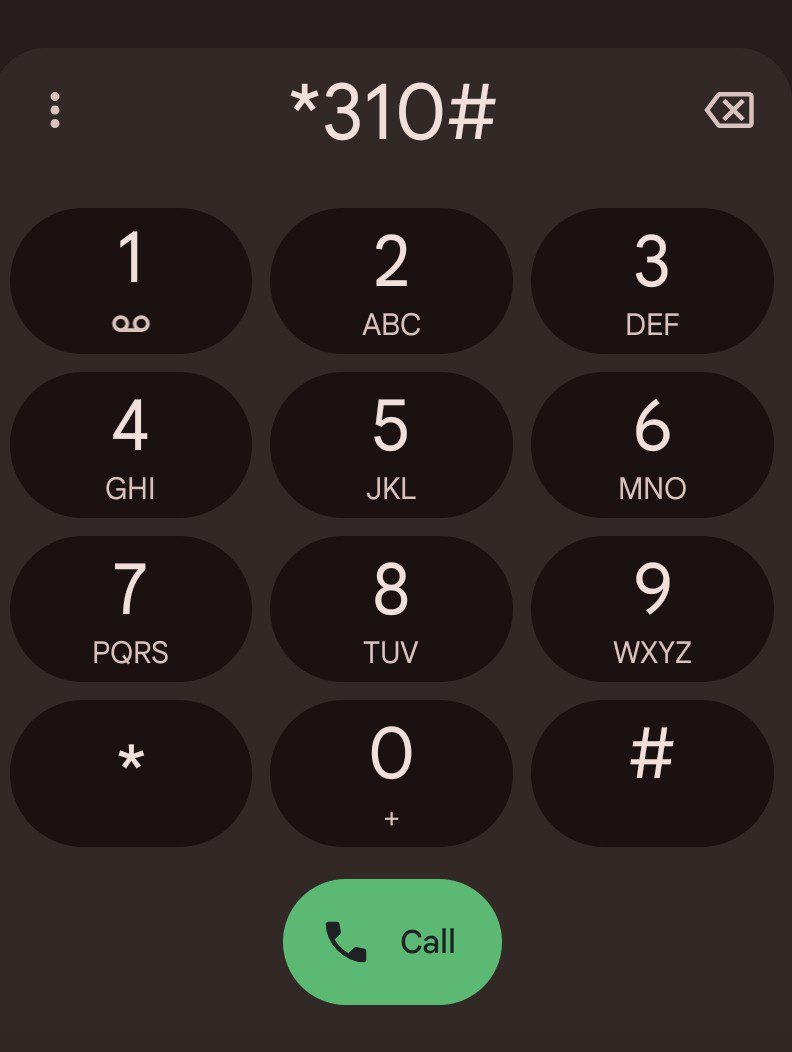
You can check your Airtel airtime balance by dialing the official USSD code from your Airtel line.
Simply follow these steps:
- Open the Phone app on your device
- Enter *310#
- Tap the call button
- Wait a few seconds for your airtime balance to appear on your screen.
- Airtel may also send an SMS with your balance details after your request is processed.
Method 2: Using the My Airtel App
The My Airtel App allows you to check your airtime balance and manage your Airtel account from your smartphone. Besides checking your airtime balance, you can also buy airtime, subscribe to data plans, and access other account services from the app.
To check your balance using the app:
- Download and install the My Airtel App from the Google Play Store or Apple App Store if you do not already have it.
- Open the app and sign in using your Airtel number.
- Airtel will send a one-time password (OTP) to your phone number
- Enter the OTP to verify your account.
- Once you log in successfully, your airtime balance will appear on the home screen or dashboard together with your data balance and other account details.
What to Do With Excess or Unused Airtime
If you have excess Airtel airtime, you can convert your airtime to cash on Prestmit. Maybe you accidentally added an extra zero and recharged ₦50,000 instead of ₦5,000, or someone sent you airtime when you would have preferred cash. Either way, Prestmit gives you a quick and convenient way to recover the value of your excess airtime so that you can put the money towards something else.
Prestmit is easy to navigate, even if it is your first time using the platform. Converting your Airtel airtime to cash only takes a few simple steps, and once your transaction has been confirmed, you will receive your payment within minutes. You can then withdraw your payment directly to your local bank account. The platform also uses advanced security features such as SSL encryption, two-factor authentication (2FA), and biometric verification to protect your account and keep your transaction secure.
How to Convert Airtel Airtime to Cash on Prestmit
Follow these simple steps to sell your Airtel airtime on Prestmit:
- Visit the Prestmit website or download the Prestmit app from the Google Play Store or Apple App Store.
- Create a Prestmit account or log in if you already have one.
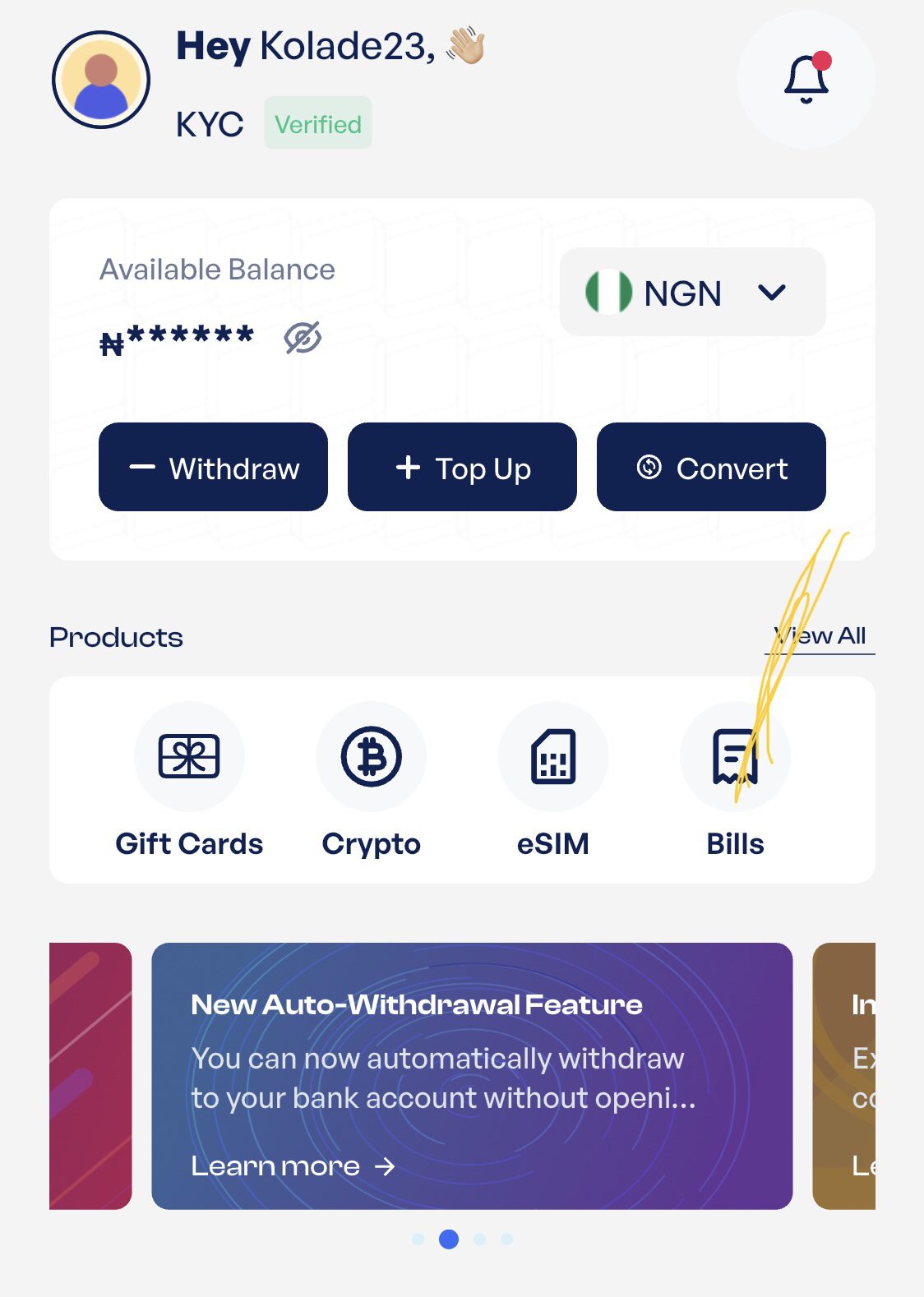
- On the dashboard, select Bills, or tap the three dots at the bottom of the screen to access the same option.
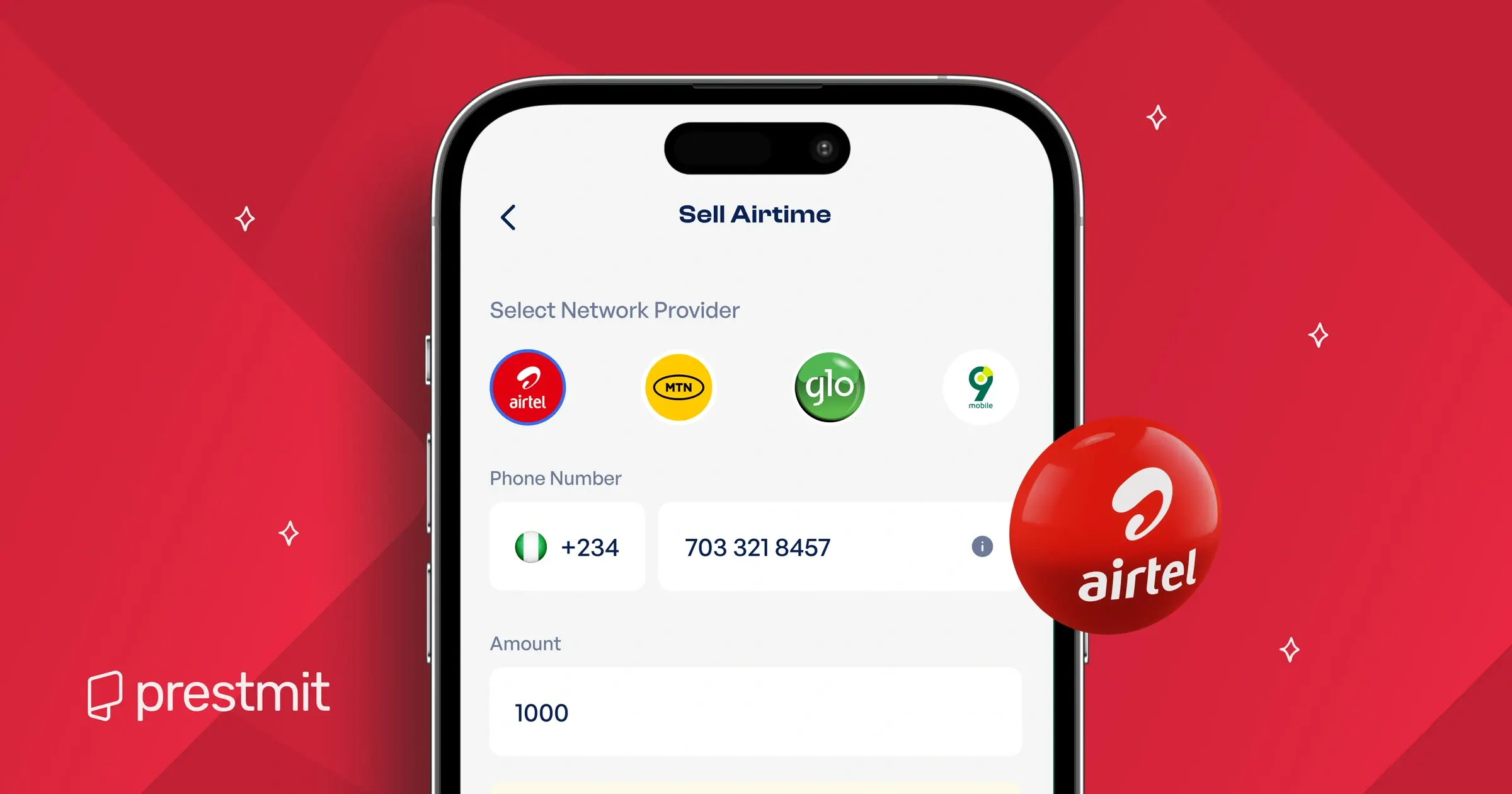
- Select “Sell Airtime.”
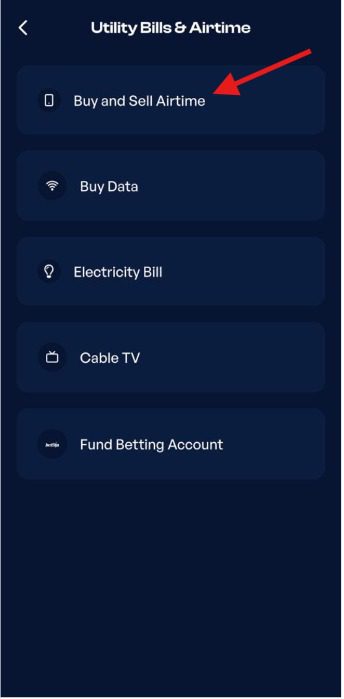
- Choose Airtel as your network provider.
- Enter the airtime amount and any other required details.
- Review the information you entered and submit your transaction.
- Receive payment once your transaction has been confirmed.
Frequently Asked Questions
1. What is the USSD code to check Airtel airtime balance?
The USSD code to check your Airtel airtime balance is *310#. Dial the code from your Airtel line, and your available airtime balance will appear on your screen within a few seconds.
2. Can I check my Airtel balance without internet?
Yes, you can check your Airtel balance without internet. The USSD code method does not require an internet connection; you just need to dial the code from your Airtel line.
3. Can I check my Airtel airtime balance without my Airtel SIM?
Yes, but it depends on the method you use. If your My Airtel App is already set up on another phone, you can check your balance there. However, the USSD method only works when you dial *310# from the Airtel line you want to check.
4. How often is my Airtel balance updated?
Your Airtel airtime balance is usually updated immediately after every successful recharge, call, SMS, or any other chargeable activity on your line. If there is a slight delay, wait a few moments and check your balance again.
5. What should I do if my Airtel airtime balance is incorrect?
If your Airtel airtime balance appears incorrect, check it again after a few minutes to rule out a temporary delay. If the issue persists, contact Airtel Customer Care for assistance and have details of your recent airtime transactions available.
6. Is there a charge for checking my Airtel airtime balance?
No, there is no charge for checking your Airtel airtime balance. The official USSD code is free to use, so you can check your balance as often as you need.
7. Can I sell excess Airtel airtime?
Yes, you can sell excess Airtel airtime on Prestmit. Simply submit your airtime through the Prestmit website or mobile app and receive payment once your transaction is confirmed.
Conclusion
Keeping track of your Airtel airtime balance helps you avoid unexpected interruptions and plan your usage better. Airtel provides simple ways to check your balance, so you can always find out how much airtime you have when you need it. A quick balance check before making important calls or recharging your line can save you time and help you stay one step ahead of your airtime usage.