Table of Contents
The way we use the internet is constantly changing as the world continues to evolve. Instead of visiting static websites and relying on big tech companies to store our data, a new generation of browsers allows us to interact directly with blockchain technologies. They make it easier to access decentralized applications (dApps), manage digital assets, and participate in emerging Web3 communities without having to jump through technical hoops.
In this article, we’ll explain what Web3 browsers are, their importance, the top 5 Web3 crypto browsers you should try, and security tips for using Web3 browsers.
What is a Web3 Crypto Browser?
A Web3 crypto browser is a web browser built specifically to interact with decentralized networks and blockchain technologies. Unlike traditional browsers such as Chrome or Firefox, these browsers provide direct access to decentralized websites, digital wallets, and blockchain features without needing external extensions or plugins.
Web3 browsers are made to connect users with dApps, support cryptocurrency wallets inside the browser, and provide access to blockchain features such as decentralized storage, decentralized DNS systems, and peer-to-peer networks. This means you can store and manage crypto, sign transactions, and explore decentralized services directly from the browser interface.
Why Do Web3 Browsers Matter?
1. Comes with a built-in wallet
Web3 browsers usually come with a built-in wallet, so you don’t need to install add-ons to manage crypto. This secure Web3 browser wallet support makes storing, sending, and receiving digital assets easier and safer. It also ensures that your private keys and transaction signing stay within a trusted environment, which reduces the risk of theft and phishing attacks when compared to third-party extensions.
2. Decentralized browsing features
Web3 browsers offer decentralized browser features that align with the core principles of blockchain user privacy, data ownership, censorship resistance, and seamless access to decentralized networks. You can explore dApps, decentralized finance (DeFi) platforms, or NFT marketplaces without relying on external tools or risky workarounds.
3. Easy wallet connectivity
Web3 browsers provide easier wallet connectivity and direct access to marketplaces where NFTs are bought, sold, and displayed. This is ideal for people interested in the best crypto browser for NFT trading. A good Web3 browser reduces friction when interacting with NFT platforms and decentralized exchanges, helping traders act faster and with fewer technical barriers.
Top 5 Web3 Crypto Browsers
1. Brave Browser
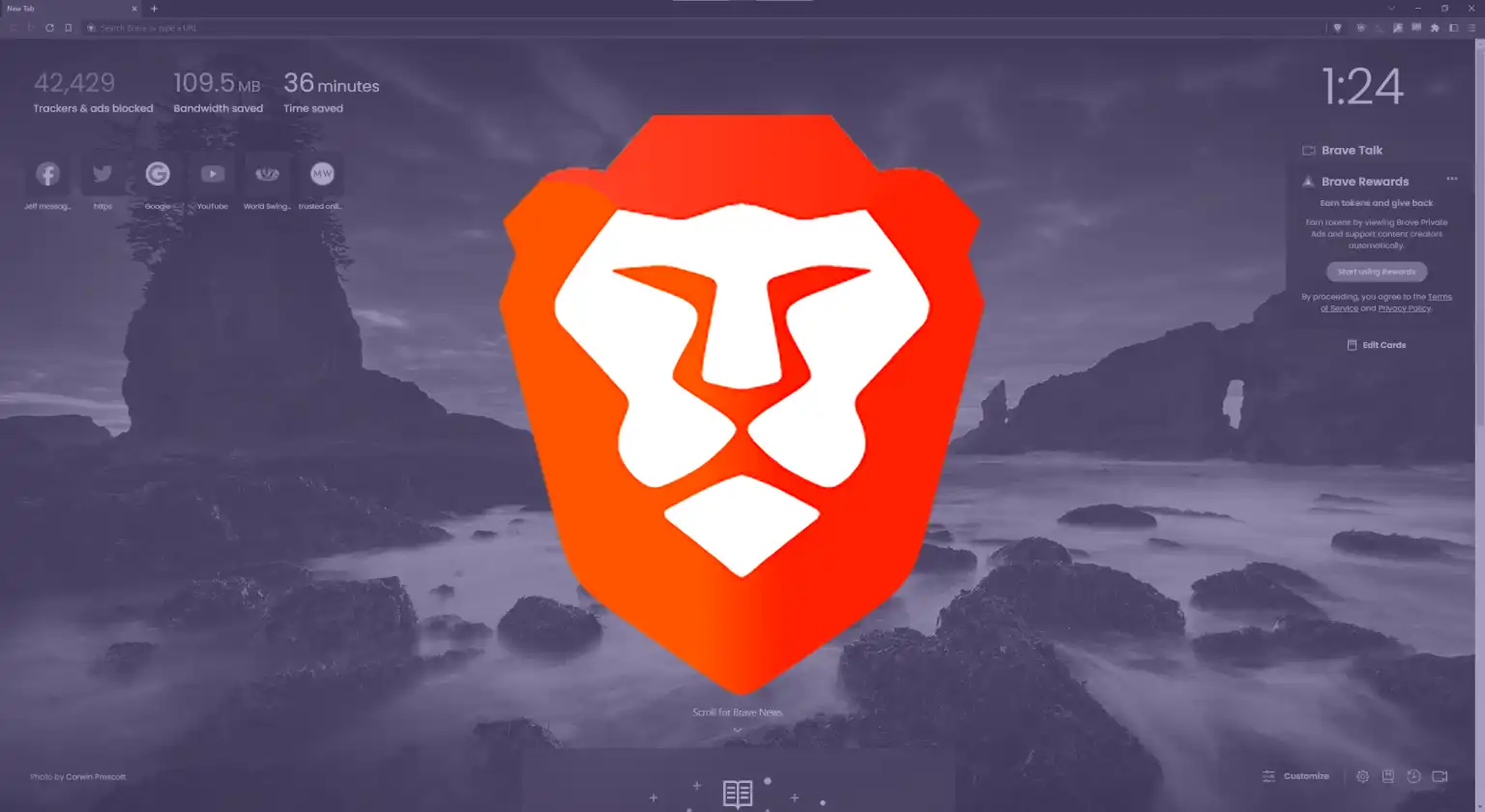
Brave is considered one of the best crypto browsers for NFT trading and interactive blockchain experiences due to this blend of privacy, utility, and blockchain access. It started as a privacy-focused browser that blocks ads and trackers by default, but it has evolved to include deep blockchain support and cryptocurrency wallet integration.
Brave has a built-in wallet that supports multiple blockchain networks, letting users manage crypto directly in the browser. It also includes features like optional reward tokens and access to decentralized applications. Its privacy settings and ad-blocking help protect your digital footprint, making the browser fast and secure.
2. Opera Crypto Browser
Opera has long been a mainstream web browser, and its Web3-focused version expands its reach into blockchain technologies. Opera Crypto Browser includes a native non-custodial wallet, so users can store and manage tokens without additional tools.
This wallet supports popular chains like Ethereum and allows users to connect with NFT marketplaces and decentralized apps easily. Opera also includes a built-in VPN and ad blocker, which means you get both privacy tools and blockchain integration in one platform. Many users appreciate Opera’s user-friendly design and it is frequently recommended for people who are new to Web3 browsing. It smoothly blends familiar browsing with advanced blockchain features.
3. Osiris Browser
Osiris is a browser built specifically for the decentralized internet, with strong privacy and anti-tracking features. It includes a native crypto wallet and offers direct access to blockchain games, decentralized marketplaces, and Web3 services.
One of Osiris’s strengths is its speed and user-friendly interface. You can browse decentralized web pages, interact with NFT platforms, and engage with dApps from the same interface, without installing multiple extensions. This makes it a good choice for both newcomers and experienced blockchain users.
4. MetaMask Browser Integration

While MetaMask is best known as a browser extension and mobile wallet, it works like a Web3 browser when connected to a standard browser. MetaMask allows seamless access to decentralized applications, supports multiple networks, and makes signing blockchain transactions simple.
Users usually pair MetaMask with browsers like Chrome, Brave, or Firefox to get a powerful combination of traditional browsing with deep blockchain access. The wallet supports a wide range of tokens and provides easy interaction with NFT marketplaces, decentralized exchanges, and DeFi platforms.
5. Puma Browser
Puma Browser offers native support for blockchain domain standards such as ENS and Handshake, decentralized storage access, and privacy-preserving browsing experiences. This specialized browser is lighter, more private, and tailored for users who want direct access to decentralized technologies without mainstream browser distractions. It may not have as many features as larger platforms, but it is still an excellent choice for focused Web3 exploration.
Key Features to Look Out for in a Web3 Browser
1. Built-in wallet support
A secure Web3 browser wallet lets you store and manage digital assets without external extensions. Built-in wallets also reduce the risk of phishing and unsafe add-ons.
2. Easy access to dApps
A good Web3 browser provides a clear, simple way to connect to decentralized applications, including games, DeFi services, and NFT marketplaces. The smoother this connection, the better your experience.
3. Privacy and tracker protection
Some Web3 browsers block trackers and ads by default. This enhances privacy and speeds up browsing. The browsers often include additional tools like VPNs or built-in ad blocking.
4. Decentralized naming and DNS support
Look out for browsers with support for decentralized domain systems like ENS, which helps you visit blockchain-based websites with address formats like .eth or .crypto. This is part of the decentralized browser features that set these browsers apart from regular ones.
5. Cross-chain compatibility
The ability to interact with multiple blockchain networks (such as Ethereum, Solana, Polygon, etc.) makes a browser more versatile. Some browsers are more limited, while others allow broader access.
6. Performance and usability
Fast loading times, a familiar interface, and support across desktop and mobile help make your Web3 experience smoother and more enjoyable.
Security Tips for Using Web3 Browsers
1. Always double-check wallet addresses
Always verify wallet addresses carefully when sending crypto or signing transactions. A single mistyped digit can send funds to the wrong place.
2. Use trusted sources
Download Web3 browsers from the official website or app store to avoid fake or malicious versions that may steal credentials or assets.
3. Keep backups of your wallet
If your browser wallet gives you recovery phrases, write them down offline. Do not store them on your phone or computer where malware could find them.
4. Enable additional security
Where possible, use biometric authentication, strong passwords, and device-level security to protect your wallet.
5. Avoid unknown dApps or links
Web3 browsers make interacting with decentralized apps easy, but some dApps can be unsafe. Only use trusted services and avoid approving transactions from unknown sources.
Frequently Asked Questions on Top 5 Web3 Crypto Browsers You Should Try
1. What makes a Web3 browser different from regular browsers?
Web3 browsers offer built-in wallets, direct access to decentralized applications, and support for blockchain networks which are features traditional browsers don’t normally provide.
2. Can I use a Web3 browser to trade NFTs?
Yes. Many Web3 browsers connect directly to NFT marketplaces, making them a strong contender for the best crypto browser for NFT trading as they simplify wallet connection and transaction signing.
3. Is using a Web3 browser safe?
Web3 browsers are safe if you follow security best practices such as downloading official versions, protecting your wallet keys, and avoiding unsafe links.
4. Do Web3 browsers store my data?
Most Web3 browsers place priority on user privacy and may limit tracking and data collection, unlike traditional browsers.
5. Can I use my existing crypto wallet with a Web3 browser?
Yes. Many browsers allow you to import wallets or connect external wallet apps or extensions.
6. Are Web3 browsers slow compared to normal browsers?
Web3 browsers are usually built on fast engines like Chromium, so performance is usually similar to regular browsers while offering extra blockchain features.
Conclusion
Web3 crypto browsers represent a bridge between today’s internet and the decentralized web of the future. They combine the familiar browsing experience with blockchain tools like secure wallet support, access to decentralized applications, and decentralized browser features that help you interact directly with Web3 services. Web3 browsers offer different features for different users whether you want a browser that allows you to browse decentralized websites, manage crypto assets, trade NFTs, or explore DeFi platforms. Some focus on privacy and speed, others on multi-chain compatibility or mobile usability so ensure you pick the one that suits your needs best.
Trying a few of them will help you find the one that fits your workflow and security preferences. As Web3 continues to grow, these browsers will remain essential tools for navigating a more open, user-controlled internet.
Last updated on December 28, 2025