Table of Contents
American Express gift cards are useful when you want a flexible card for shopping, gifting, or online payments. Yet nothing is more frustrating than entering your AMEX gift card at checkout and getting an “invalid card,” “declined,” or “insufficient balance” message.
But don’t panic. These errors are often easier to resolve than most people think, and in many cases, there may be nothing seriously wrong with your card.
In this guide, I will walk you through the most common American Express gift card errors, why they happen, and how to fix them without delays.
Types of AMEX Gift Card Errors
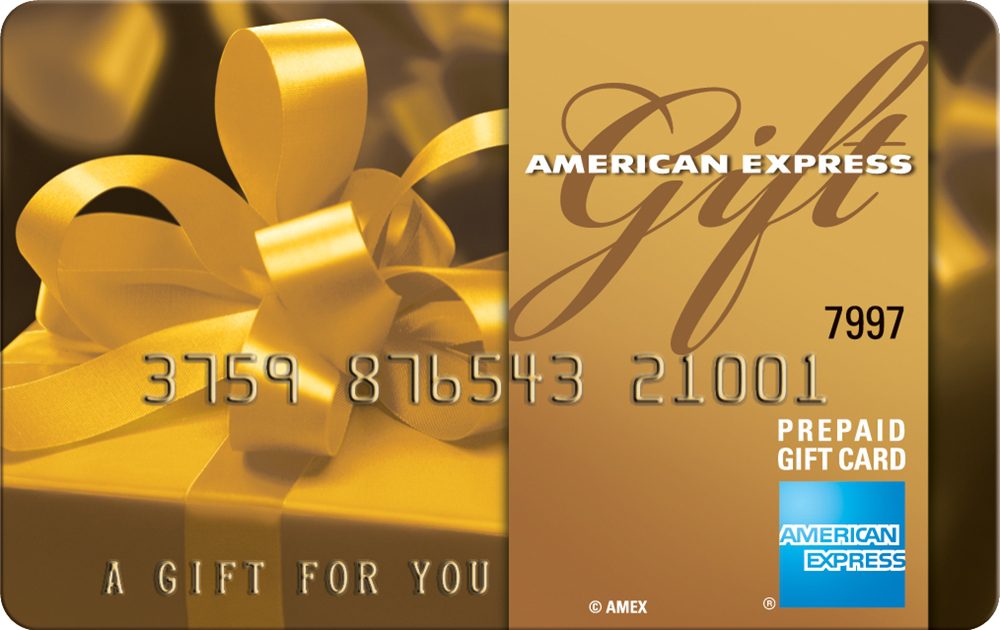
You may encounter some errors when redeeming your AMEX gift card, which pops up in the form of a message to notify you of an issue that needs to be resolved before you can successfully redeem AMEX gift cards.
1. Invalid Card Number or PIN
This is often a common issue we encounter when we incorrectly enter our gift card number or PIN. An AMEX gift card has a 15-digit number and a 4-digit PIN, all on the front of the gift card. When you wrongly enter any digits, you are bound to get an invalid card number error message.
For instance, a mistake may arise from entering “I” instead of “1” or typing “O” in place of “0”. This is also applicable to making a similar mistake in entering the gift card’s PIN.
To rectify this error, re-enter the card details slowly. Do not copy from a blurry image. Check the card number, valid-through date, and security code carefully. When shopping online, enter the gift card as a credit or debit card, not as a store gift card. Also, fill in the billing address section if the merchant demands one.
2. Declined Transaction Due to Insufficient Balance
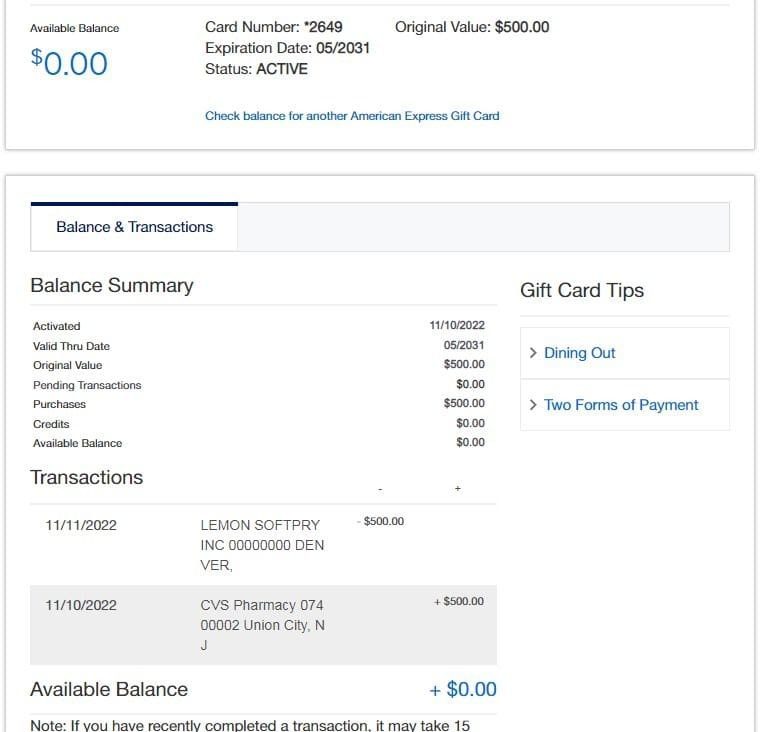
You may encounter this error when you redeem an AMEX gift card already been redeemed by another person. This would have emptied the value of the AMEX gift card. As such, it can no longer be used by anyone.
Another thing that may lead to this type of error is network downtime from the backend of AMEX, which would affect the redemption of AMEX gift cards at that particular time.
This error happens often when you want to use an American Express gift card at restaurants, gas stations, hotels, and some travel-related merchants. For example, a gas pump can authorize a higher amount before the final fuel charge is known. Restaurants can also add an estimated amount to cover a tip before finalizing the transaction. That temporary hold can make your available balance look too low.
To resolve this problem, double-check to confirm your balance before shopping and ensure the card balance is higher than the full purchase amount, including taxes, fees, delivery charges, and possible holds. At restaurants, use another payment method for the tip or make sure the balance covers the extra hold. At gas stations, go inside and ask the attendant to charge an exact amount instead of paying at the pump.
3. Technical Errors When Using The Gift Card Online
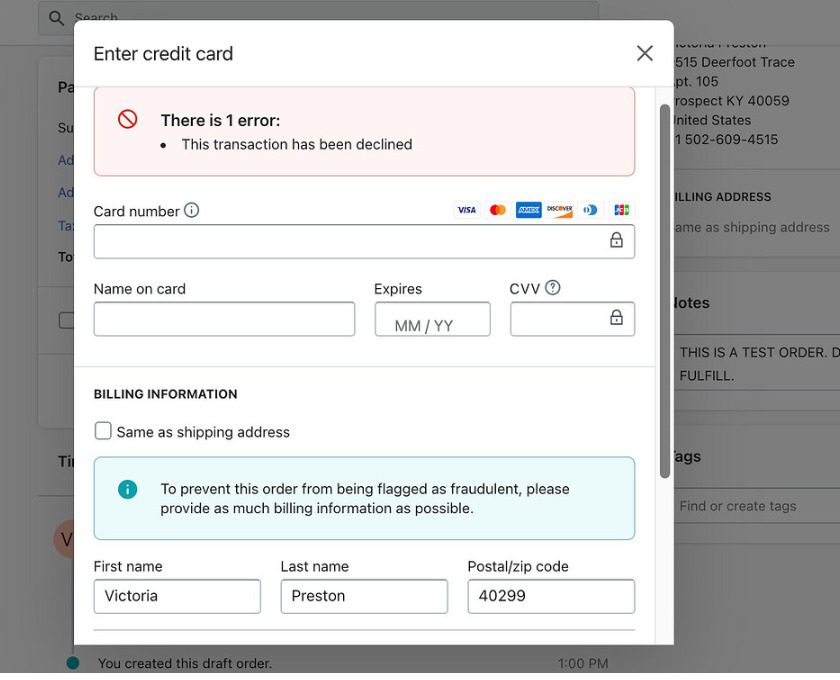
An American Express gift card payment error usually happens when the checkout system cannot properly process the card. This may be as a result of an incorrect CVV, expired card details, wrong billing information, card limits, etc. Remember that American Express uses a 4-digit CVV on the front of the card, not the 3-digit code usually found on Visa or Mastercard.
In most cases, the error can come from the merchant’s payment system, website, or app. It could be that the payment gateway timed out, or the checkout page failed to verify the card, or the system has rejected prepaid card details. These issues can happen online, in mobile apps, or at physical stores, especially during busy shopping periods, flash sales, or holidays.
To solve this problem, double-check the CVV, expiration date, balance, billing address, and whether the merchant accepts American Express.
If everything is correct, refresh the checkout page, clear your cache, use incognito mode, try another browser or device, or ask the cashier to retry the transaction manually. If the payment still fails, contact American Express using the customer service number on the back of the card.
4. Expired Gift Card
AMEX gift cards expire, and you can see the expiration date of the gift card imprinted on the front. What this means is that your AMEX gift card becomes invalid after the date on the card, and you will not be able to redeem the AMEX gift card after its validity period.
The expiration feature of AMEX gift cards can be likened to your credit cards, which expire after the date set on them. You can check your ATM card and see its expiration date. So this is how AMEX gift cards work.
To fix this, contact American Express Gift Card customer service and request help with the remaining balance. If the card is lost, stolen, damaged, or expired, you will need to provide the card number, security code, valid-through date, and proof of purchase. This is why you should always keep your receipt and record the card details in a safe place.
5. Merchant Does Not Accept AMEX Gift Card Error
Certain merchants accept regular American Express cards but do not allow prepaid American Express gift cards. This can be a little bit tricky because the screen will show the logo at checkout, but the transaction will still not go through.
The reason for this is that the prepaid cards have separate processing rules. Some merchants restrict prepaid cards to minimize fraud risk, avoid billing issues, or prevent failed recurring payments.
Subscription platforms, hotel bookings, car rentals, and some international websites can reject a prepaid card, maybe because they demand a reusable payment method or a card linked to a verified billing profile.
To correct this error, study the merchant’s payment policy before proceeding to checkout. If the website does not accept prepaid cards, use the AMEX gift card at another merchant that accepts American Express prepaid cards. You can also contact the merchant’s support team and ask whether they accept American Express gift cards specifically, not just American Express credit cards.
6. Card Activation Error
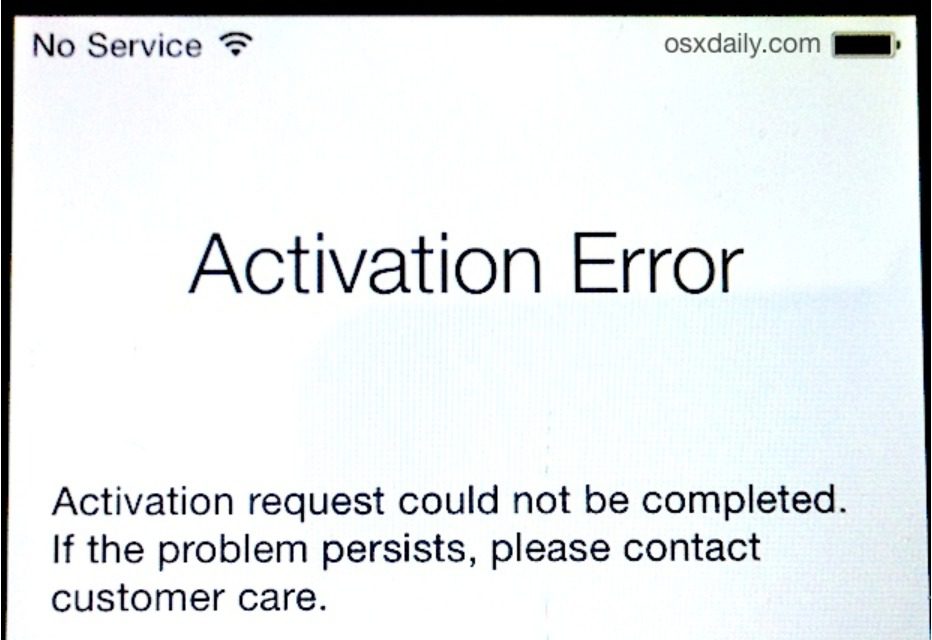
A newly purchased gift card from American Express won’t work if it is not activated properly. Even though the card is brand new and unopened, there can be messages such as “declined,” “inactive,” or “invalid card” when trying to use it. Such problems occur with gift cards acquired from retail stores or requiring prior activation.
This problem occurs because the card needs to be activated for the payment network to approve transactions. Bear in mind that your card will not work if the cashier has not yet completed the activation process, if the store system is experiencing delays, or if the activation process wasn’t completed online or over the phone.
To fix this, activate the card through the official American Express gift card balance and activation page or call the toll-free number on the back of the card. You will usually need the card number, valid-through date, and security code. If you bought the card in a store, keep the receipt because it will be needed to prove the purchase.
Tips For Preventing AMEX Gift Card Errors
1. Buy Only from Official or Authorized Retailers
Buy your American Express gift card from the American Express gift card website or any reliable third-party retailers like Prestmit. This reduces the risk of buying a tampered, stolen, inactive, or already-used card.
If you decide to obtain your card from a physical store, ensure you cross-check every angle of the packaging before making a payment. Avoid buying a card with a damaged scratch area, an opened package, or exposed card details. After payment, be sure to collect an activation receipt from the cashier before leaving.
2. Keep Track of the Balance on the Card
It is advisable to check the balance of your AMEX gift card from time to time when you use it. This is to prevent possible fraud and stay alert, as the balance of your gift card is money in its form.
You may have to do this routine check anytime you use AMEX gift cards at restaurants, clothing stores, or other retail outlets, where you must give the cashier your card number and PIN.
3. Be Cautious When Using the Gift Card Online
You must be proactive in taking some precautionary measures that would protect your AMEX gift card number and PIN from getting into the hands of scammers. This may be the case when you have an AMEX gift in your email. A possible hack into your email may lead to losing your gift card.
You need to be careful of the platform on which you sell your AMEX gift card when you want to do so. Fraudulent retailers are lurking around the gift card to prey on naive users. So it is important to sell your gift card on a reputable platform.
Do you want to sell your AMEX gift card? I confidently recommend Prestmit as one of the best gift card trading platforms in Nigeria and Ghana, where you can sell AMEX gift cards for cash.
4. Check the Expiry Date Before Using the Card
Again, it is important to re-emphasize that AMEX gift cards expire, and they have their respective expiration date imprinted on them. This must be the first thing you look for when buying an AMEX gift card. You can not use an expired AMEX gift card.
Therefore, do not buy an AMEX gift card that has already expired or may expire before you redeem it. Always compare the time between using your AMEX gift card and the validity period of the one you want to buy.
5. Read the Terms and Conditions Before Using the Card
There are terms and conditions for every gift card that users must know before using the gift card. This is also peculiar to AMEX gift cards. You must understand the terms of use to avoid losing the value of your gift card.
For instance, you can not transfer the balance of your AMEX gift card to another person. You also can not recharge your gift card after exhausting the balance on it. You can not use your AMEX gift card after the expiration of its validity period.
6. Register or Activate the Card When Needed
If your card requires activation, do it before shopping. Use the official American Express activation page or the phone number on the card. Do not wait until you are already at checkout.
If the merchant asks for billing details online, enter your name and address carefully. Some online merchants require address information before they process prepaid card payments.
Best App to Sell Your American Express Gift Cards
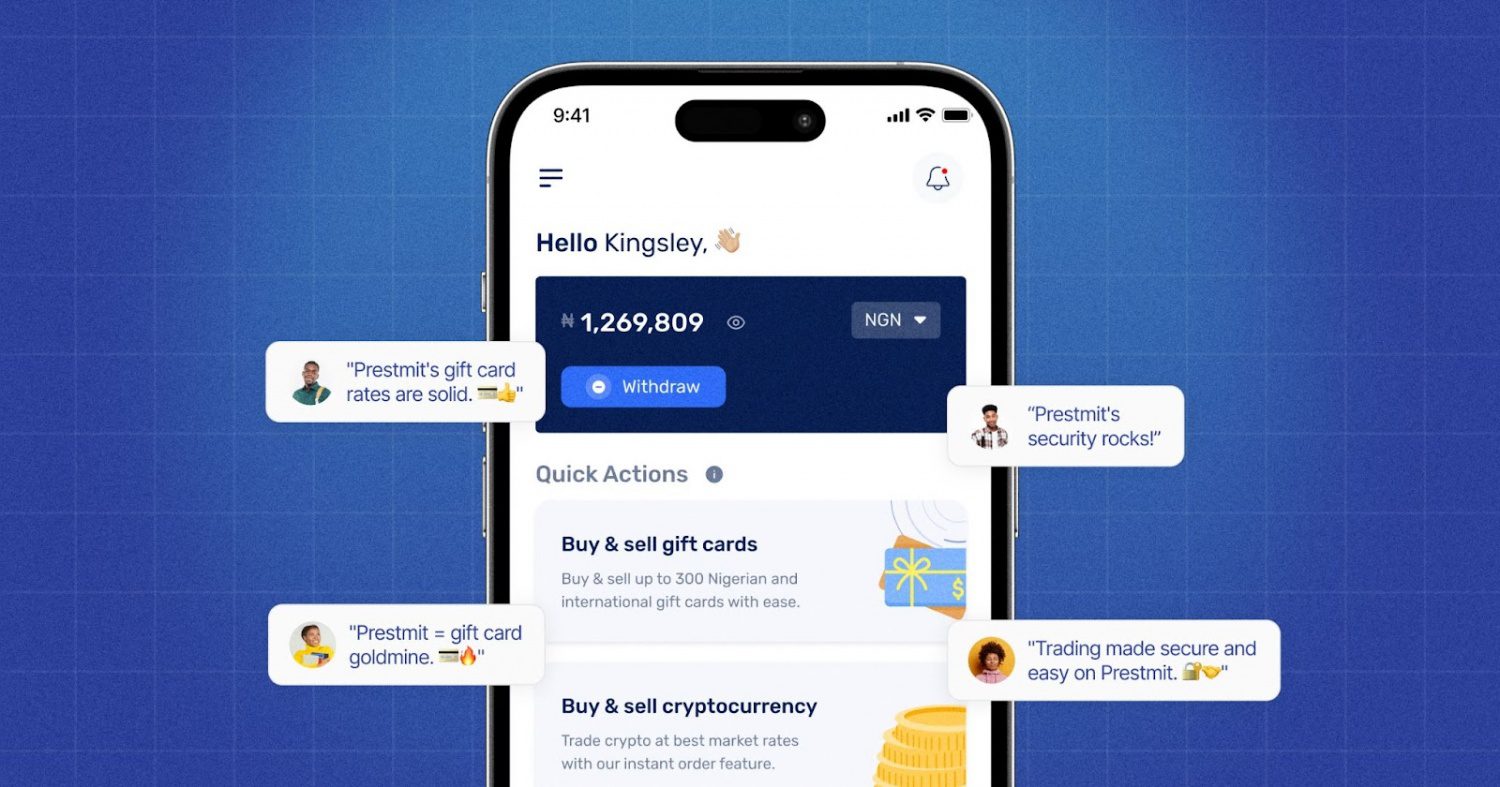
Prestmit is arguably the best place to sell AMEX gift cards. We provide you with a safer and easier means to sell your gift card, which is why it stands out as one of the best gift card trading platforms in Nigeria and Ghana.
Prestmit helps you understand your card’s worth before you sell. With its automated gift card rate calculator, you can check the exchange value of your AMEX gift card in Naira, Cedis, USD, or crypto before starting the trade. This removes guesswork and gives you better control over your decision. Our platform offers you competitive gift card rates, so you can take home a good reward for your card.
Payment on Prestmit is built for speed and convenience. After successfully selling your card, the auto-withdrawal feature allows users to receive payment directly into their local bank accounts without waiting unnecessarily.
The platform also protects users with two-factor authentication (2FA), biometric login, encrypted transactions, and secure account controls. So, if you want to sell AMEX gift cards safely, quickly, and at a good rate, Prestmit gives you the comfort of trading with confidence.
Frequently Asked Questions About AMEX Gift Card Errors
1. Why is my AMEX gift card not working?
The reason your American Express gift card is declining could be because you are using an inactive card, or maybe there is a mismatched online billing information, or a low balance, or probably because the retailer refused to accept American Express due to higher processing charges.
2. How do I activate an AMEX gift card?
To activate your American Express Gift Card, go to the American Express Gift Card site or turn to the back of your card and call the toll-free number displayed there. You will be asked to send the 15-digit card number, the gift card expiration date, and the 4-digit security code (CVV) on the back of the card.
3. How can I check my AMEX gift card balance?
To check your balance, simply visit the official Amex Balance Checker, enter your login details, access your account dashboard/profile, and you will see your balance and transaction history. Alternatively, you can dial the mobile number displayed on the back of your card to connect to a support personnel who will tell you the balance on your account.
Conclusion
Most American Express gift card issues are resolvable. As explained in this article, the issues might originate from wrong card data, insufficient balance, activation issues, restrictions placed by the merchant, expired card dates, authorization holds, or temporary payment system glitches.
Before you use the card, check your AMEX gift card balance, confirm activation, evaluate the card details correctly, and make sure the merchant accepts prepaid American Express cards. If you want to use the card to clear bills at a gas station, hotel, restaurant, or online store, ensure you create allowance for possible holds and charges.
If the error continues after you check everything, contact American Express Gift Card customer support through official channels. With the right steps, you can fix most AMEX gift card errors and use your card with confidence.
Last updated on June 12, 2026