Table of Contents
Looking for the smartest, safest way to buy an Apple gift card online—especially in a saturated digital space where risk and fraud sit side by side? In today’s increasingly cashless economy, Apple gift cards have evolved beyond simple gifting tokens. They are now reliable tools for entertainment, subscriptions, in-app purchases, and seamless upgrades across the Apple universe.
But for most buyers, the challenge isn’t what the card can offer—they’re more concerned with making sure they buy it from the right source, at the right price, with assurance of security. This guide offers readers clear, strategic steps that help them buy confidently and spend with purpose.
Why Buy an Apple Gift Card Online in the USA?
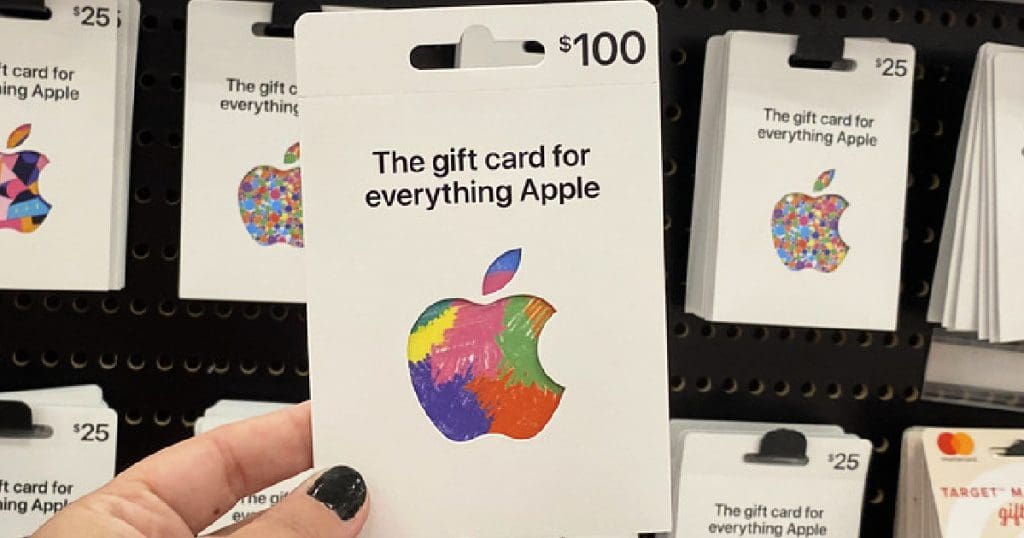
Buying an Apple gift card online in the USA makes your online shopping swift, flexible, and convenient, unlike traditional in-store purchases that often come with transaction failures, delays, or card decline issues. An Apple gift card is one of the popular gift cards in the USA as the delivery of the card becomes instant with the code being sent directly to your email almost immediately, allowing you to redeem the credit in a minute or two.
This is what makes it perfect for topping up your Apple ID balance, gifting someone special, or being more intentional with your digital spending. It also improves your privacy by helping you avoid so many card transactions from apps and subscriptions to services like Apple Music, iCloud+, Apple TV+, and purchases made on the App Store.
You won’t have to make any unnecessary journey anywhere, with secure checkout options like Apple Pay and PayPal to support a smooth and safe online process for buying an Apple gift card.
Places to Buy Apple Gift Cards Online
1. Apple Official Store
One of the most secure places to buy Apple gift cards online is directly from the Apple Official Store. Apple guarantees authenticity, quick delivery, and customer support if any issue arises. You simply choose the digital delivery option, enter your email, choose a custom amount, and check out. An Apple gift card can be used across the whole of the Apple ecosystem: software, subscriptions, and even hardware. Buying from Apple also means your balance is never compromised or invalid.
2. Amazon Store
Amazon is a secure global retailer, and they sell only official Apple gift cards, making them an excellent place for your online gift card purchase. You can decide to either go for digital cards (for immediate delivery) or physical cards (for gifting). Since Amazon verifies the sellers quite often, authenticity is guaranteed to a great extent, reducing the chances of fraudulent codes. The platform also supports multiple payment methods, making the process fast and convenient. Always ensure the item is listed as “Sold by Apple” or “Sold by Amazon.”
3. PayPal Digital Gifts
It is particularly ideal for people looking for a secure, less hassle way of transacting, it provides an easy way to buy an Apple gift card online. Due to PayPal’s dispute resolution and encryption setup, it provides strong protection against any form of fraudulent activities.
Delivery is normally instant, and it is a perfect option for users looking to carry out urgent purchases that include subscription renewals or making payments in the App Store. It will also be convenient for users who do not want to expose their card details frequently when making online transactions.
4. Prestmit
Prestmit is one of the most reliable platforms to buy a US Apple gift card. The platform offers speedy delivery, strong fraud protection, responsive customer support, and multiple payment method, especially crypto for its users in the USA.
How to Buy a US Apple Gift Card on Prestmit
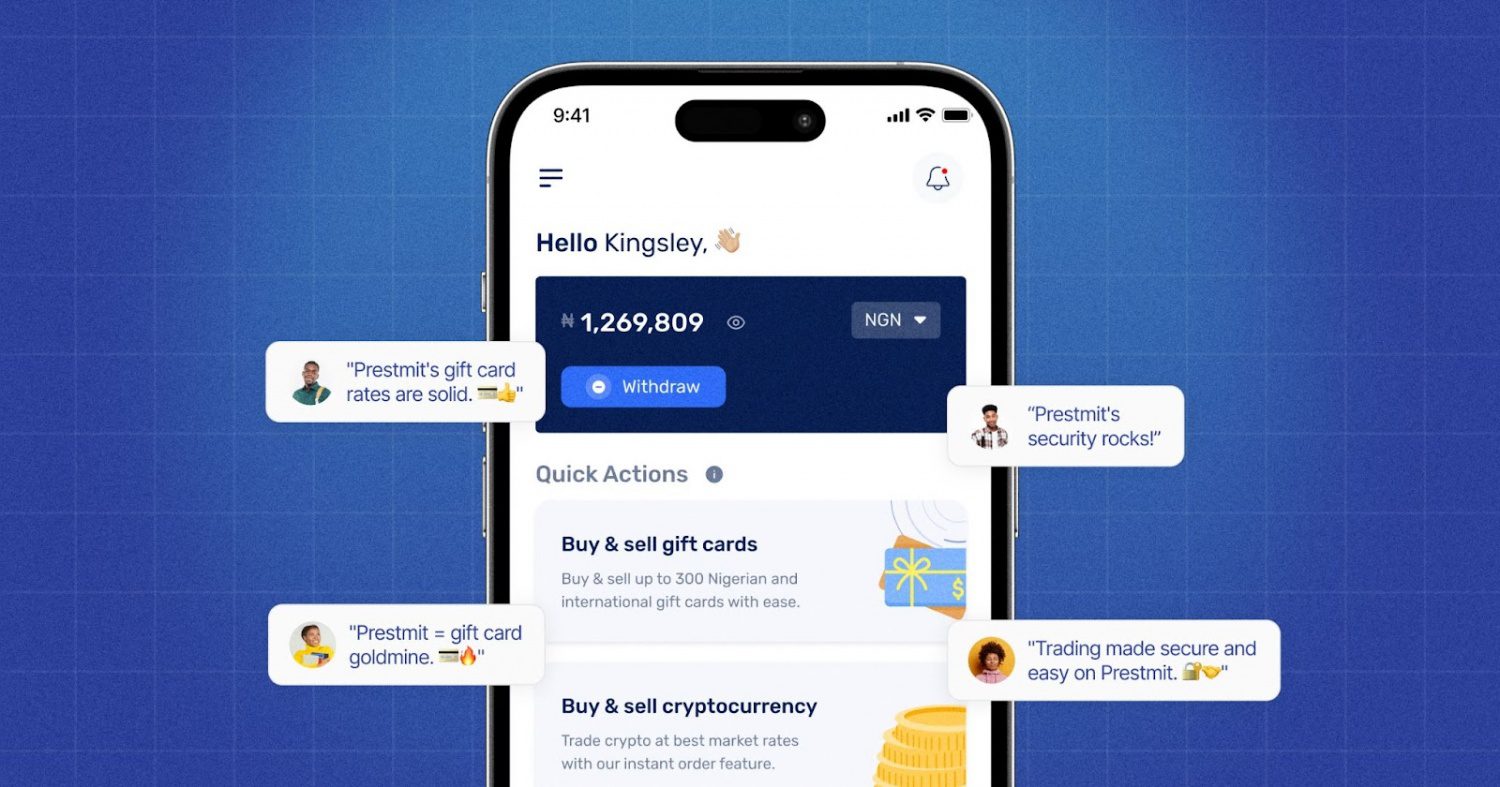
The following are the simple steps to buy Apple gift cards on Prestmit:
- Visit the official Prestmit website or download the Prestmit app on the Google Play Store or Apple Store.
- Create a Prestmit account and log in.
- Click “Gift cards” and choose “Buy Gift Cards.”
- Select “Apple gift card” from the gift card list.
- Choose the quantity of the card and enter the amount.
- Proceed to accept the terms of purchase.
- Choose your preferred payment method.
- Follow the prompts to complete the transaction.
- You will receive your gift card in your email immediately after the transaction is confirmed
How to Buy an Apple Gift Card From Apple Online
Here are the steps to buy Apple gift card online from Apple store:
- Visit: https://www.apple.com/shop/buy-giftcard
- Select email delivery.
- Enter your amount.
- Add a personalized message if gifting.
- Pay using a card, PayPal, or Apple Pay.
- Receive your digital code instantly.
This method is ideal when giving gifts or adding credit to your own Apple account.
What Can You Buy With an Apple Gift Card?
1. Apps, Games, and In-App Purchases
You can also use an Apple gift card to buy items from the App Store for apps, mobile games, and in-app items. This includes game upgrades, software tools, and other premium features. This makes it easier and more secure for users who download apps frequently. It’s also a very efficient way to make purchases without exposing your primary bank account or credit card online.
2. Apple Music, iCloud & Streaming Services
Your gift card balance works seamlessly with Apple’s media and subscription ecosystem. You can use an Apple gift card for Apple Music, Apple TV+, Apple Arcade, and iCloud+ storage plans. This provides flexible control over the renewal of subscriptions. Rather than automatic bank billing, such balances make it easy to handle monthly digital lifestyle expenses while keeping your financial accounts well-protected.
3. Apple Devices and Accessories
Apple gift cards are not just limited to digital purchases; they can also be used to buy hardware: AirPods, iPads, Mac accessories, and others, on Apple.com or in retail stores. It makes the Apple gift card a very good choice for gifting, especially to students, creatives, or tech-lovers who might one day want to upgrade their Apple gear.
What Are the Payment Options for Buying Apple Gift Cards Online?
When making your gift card purchase online, Apple and most verified retailers support the following payment methods:
- Credit/Debit Cards (Visa, MasterCard, American Express)
- Apple Pay
- PayPal
- Some prepaid debit cards
- Bank-linked digital payment platforms
The good thing about these methods is that you can buy Apple gift cards online without exposing your primary banking credentials in certain transactions. For example, using Apple Pay adds an extra encryption layer that protects your card details during the purchase.
Safety and Security Tips When Buying Apple Gift Cards Online
1. Buy Only from Verified and Trusted Platforms
Always buy an Apple gift card online from legit sites like Apple, Amazon, PayPal Digital Gifts, or Prestmit, because they guarantee the authenticity of the products and they provide great after-sales services. Never trust unknown marketplaces or random social sellers; these usually have circulated used or even fraudulent codes. Meanwhile, trusted platforms will come with secure checkouts, digital protection, and refunds in case something goes wrong, which ultimately ensures peace of mind.
2. Avoid Second-Hand or Unregulated Sellers
It might seem more attractive to buy from peer-to-peer (P2P) resellers or unsanctioned marketplaces offering “deals,” but these sources will not provide any refund guarantees. Most of the scams involve reselling already redeemed cards or cards bought with stolen payment information. Using unverified merchants puts your money and digital identity at risk. Always go for very reputable retailers that overtly verify and secure their stock of gift cards.
3. Verify Website Security Before Paying
Before entering personal or payment details, verify that the website is secure. Look for https:// and a padlock icon in the browser address bar. Avoid making purchases on public Wi-Fi, as these networks can expose sensitive data. Secure payment environments use encryption to protect your information. If a website looks suspicious, loads unusually, or requests unnecessary data, do not continue.
4. Never Share Your Gift Card Code Publicly
Once you get your Apple gift card, treat the code as private financial information. Do not send it in text messages, chats over social networks, or via unencrypted platforms. Scammers will pose as support agents or company representatives, asking for gift card codes, and that’s something Apple will never do or ask for. Immediately redeem your Apple card to avoid unauthorized use and keep your balance intact.
5. Be Cautious of Offers That Seem “Too Good to Be True”
Scam websites sell to buyers using unrealistic discounting of gift cards. If the discount seems extreme or the seller is pushing you to hurry, that is a red flag already. Apple gift cards do not have varying prices from authorized sources. Trust your gut feeling: real value isn’t conveyed with urgency and inflated deals. Better a slow, sure transaction than a potentially bad bargain.
Frequently Asked Questions (FAQs) About Buying an Apple Gift Card Online in the USA
Can I use an Apple gift card to buy iPhones or MacBooks?
Yes. Apple gift cards can be used on Apple.com or in Apple Stores to purchase hardware and accessories.
How long does delivery take when I buy an Apple gift card online?
Digital cards are typically emailed within minutes, but some purchases may require verification and take up to 24 hours.
Can I use my gift card internationally?
No. Apple gift cards are region-locked. A gift card bought in the USA works only on the U.S. Apple region account.
Can I return or refund an Apple gift card after purchase?
No, Apple gift cards are generally non-refundable once delivered.
Conclusion
To buy an Apple gift card online confidently, choose trusted platforms like Apple, Amazon, PayPal Digital Gifts, or Prestmit. These ensure your transaction is secure, your balance is delivered instantly, and your purchases flow smoothly across Apple’s ecosystem. The process is easy, safe, and extremely useful, be it gifting someone special or upgrading your own digital experience. Your digital world should be seamless; buy an Apple gift card online and make it so.
Last updated on November 20, 2025