Table of Contents
You’ve got a $100 Amazon card, a Steam voucher from a birthday, or a stack of iTunes cards from a client. You want cash, but the amount you receive can vary a lot depending on where you trade and when. Selling without checking the rate first is like walking into a market and agreeing on a price before seeing the tag.
This guide explains what gift card rates are, how to check them online, and how to use the Prestmit gift card rate calculator to know your payout before you commit.
What is a Gift Card Rate?
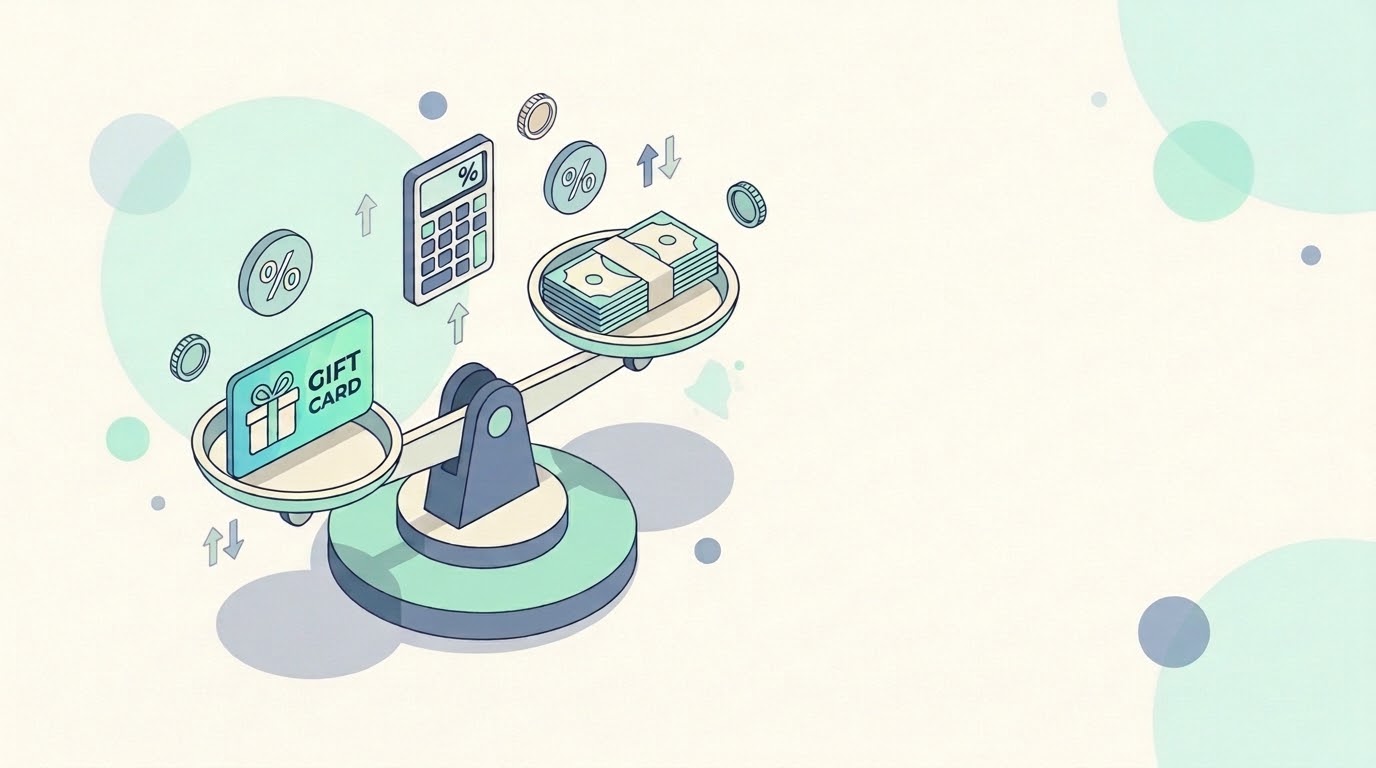
A gift card rate is the amount of money you get when you exchange a card for cash. In Nigeria, rates are usually quoted in naira per dollar (₦/$), so a rate of ₦1,000/$ on a $50 card means a payout of ₦50,000.
Rates aren’t fixed. They move with several factors:
- Demand: Cards in higher demand tend to fetch better rates.
- Brand popularity: Well-known brands such as Apple, Amazon, Nordstrom, etc. often get higher exchange rates.
- Card denomination: The card’s value can affect the rate.
- Market trends: Economic conditions and currency fluctuations can push rates up or down.
- Card type and region: Physical versus e-code cards, and US versus UK versions, can be priced differently.
Why Checking Rates First Matters
Skipping the rate check causes avoidable losses. Here is why it’s worth the minute:
- You avoid surprises: Knowing the payout in advance means no disappointment at the end.
- You can compare: A few naira difference per dollar adds up quickly on large cards.
- You time your sale: If rates are low today, you can decide whether to wait. This gives you an idea of the best time to sell your gift cards.
- You spot scams: An offer far above everyone else’s is a warning sign of a potential gift card scam, and not a bargain.
Ignoring rate fluctuations is one of the common mistakes traders make, so always check the current value before you trade.
Ways to Check Gift Card Rates Online
1. Use a platform’s built-in rate calculator
This is the quickest and most accurate method because it shows what that platform will actually pay you. Enter the card type, country, and amount, and the tool does the math.
2. Compare several trading platforms
Open two or three reputable apps and run the same card through each. Comparing rates across multiple platforms is a standard tip for getting the best deal.
3. Check for promotions
Some platforms run promotions that can raise your card’s value. A promo code or bonus can change which platform comes out ahead.
4. Read recent user feedback
Reviews and community discussions can tell you whether quoted rates match what people actually receive.
A word of caution: published rate lists in blog posts go stale quickly. Use them for context, and trust the live number in the app.
How to Check Gift Card Rates on Prestmit Using the Rate Calculator
Prestmit’s gift card rate calculator is designed to give users transparent, real-time information about current trading rates. It is described as automated, giving the exchange value of your card in real time.
Here’s how to use it:
Step 1: Go to Prestmit
Visit the official Prestmit website or download the Prestmit app on the Google Play Store or Apple App Store.
Step 2: Open the “Rate Calculator” page
Go to the rate calculator by clicking “Resource” on the menu or at the footer of the homepage.
Step 3: Pick your card and enter the details
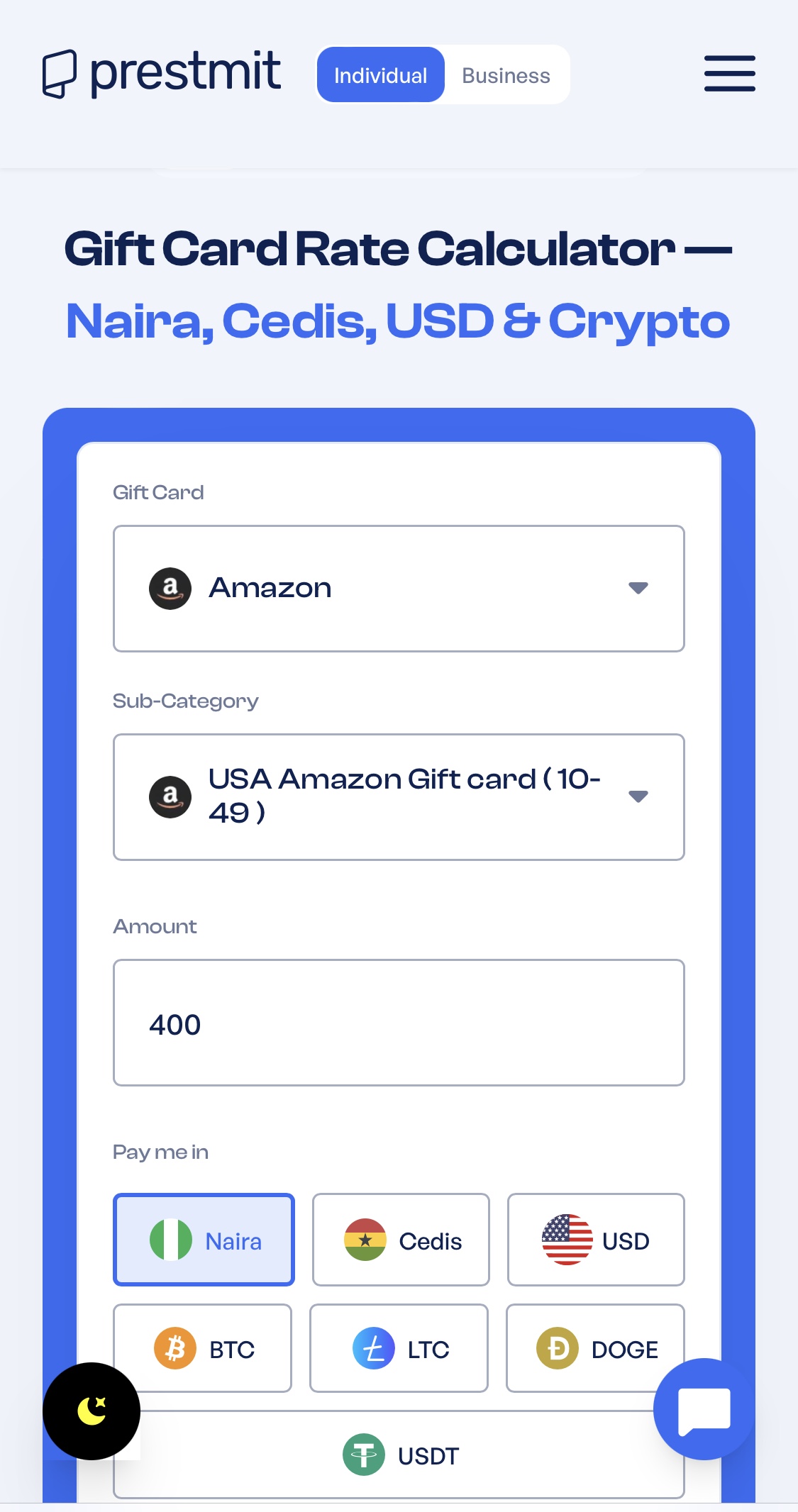
Select the brand you hold, such as Amazon, Steam, iTunes, or Google Play. Input the card type, currency, and denomination to see the amount you’ll receive in cash or crypto.
Step 4: Read the result
The calculator at the bottom of the screen shows the price at which the card will be traded. If you have a promo code, you can apply it before you proceed.
Step 5: Decide
If the payout suits you, continue with the trade. If not, close the screen. Checking costs nothing.
Tips for Getting the Best Rate
- Match the exact card details: Select the correct country and card type. A mismatch can cost you money or get a trade rejected.
- Check right before you trade: Rates move, so a figure from yesterday may not hold today.
- Consider larger denominations: Steam gift cards, for instance, tend to get good rates in $50 or $100 denominations. Rates can vary by card value on each platform, so test a few amounts.
- Never trade expired or used cards: Make sure your cards are valid and not expired.
- Use only trusted platforms: Unverified platforms are a common route to scams.
- Screenshot your rate: It helps if you need to raise a question with support.
Frequently Asked Questions
1. What is a gift card rate calculator?
It’s a tool that shows how much you’ll receive in cash for a specific card, based on the brand, region, and amount you enter.
2. Is Prestmit’s rate calculator free to use?
Yes. Using the Prestmit rate calculator to check your gift card rate is free. This feature is available on the website in-app.
3. Are the rates always the same?
No. Gift card rates can change based on demand, which might affect the amount you receive.
4. Can I check rates without selling?
Yes. You can run a card through the calculator as many times as you like to compare values.
5. Which cards usually get the best rates?
It changes, but popular brands like iTunes, Amazon, and Google Play are commonly sought after. Check live rates, since popularity shifts.
6. Is it safe to trade on Prestmit?
Yes, it is safe to buy and sell gift cards on Prestmit. It is one of the best gift card trading platforms in Africa with advanced security features to keep your trade and funds safe.
Conclusion
Knowing how to check gift card rates online puts you in control. A few seconds with a rate calculator tells you what your card is worth today, helps you compare options, and keeps you away from lowball deals. With Prestmit’s gift card rate calculator, you can see your payout before you commit.
Before your next trade, open the app, enter your card details, and check the rate first.
Last updated on October 28, 2026