Table of Contents
Imagine you bought Litecoin during a market dip because of its fast transaction speed and low fees. Months later, the crypto market shifts, and you’re now considering consolidating your portfolio into Bitcoin, the original cryptocurrency often called “digital gold.”
You don’t want to withdraw funds. You don’t want complicated trading screens. You simply want a smooth swap. If you’re using Coinbase, converting Litecoin to Bitcoin is straightforward, but doing it wisely requires understanding fees, timing, and security.
This guide walks you through the exact steps while also helping you make smarter decisions along the way.
Overview Of Crypto Swapping on Coinbase
Coinbase is an exchange that enables you to convert your crypto assets like Bitcoin and Litecoin to cash by selling them on the platform. But you can also remain active in the market by exchanging your crypto asset for another crypto asset by taking on pairs. This concept is crypto swapping.
For instance, you can make pair trading like LTC/BTC or BTC/LTC, which are crypto-swapping processes that Coinbase supports.
However, there is a caveat to crypto swapping on Coinbase. You must be a verified user to become eligible to swap your Litecoin to Bitcoin or vice versa. You must complete the know-your-customer (KYC) procedure to verify your identity on the exchange. This requirement applies to other exchanges that offer crypto swapping as you continue to trade anonymously.
Therefore, if you want to swap Litecoin to Bitcoin, you need to have a verified Coinbase account and Coinbase Litecoin wallet that has a substantial amount of LTC to swap to BTC.
How To Swap Litecoin To Bitcoin On Coinbase
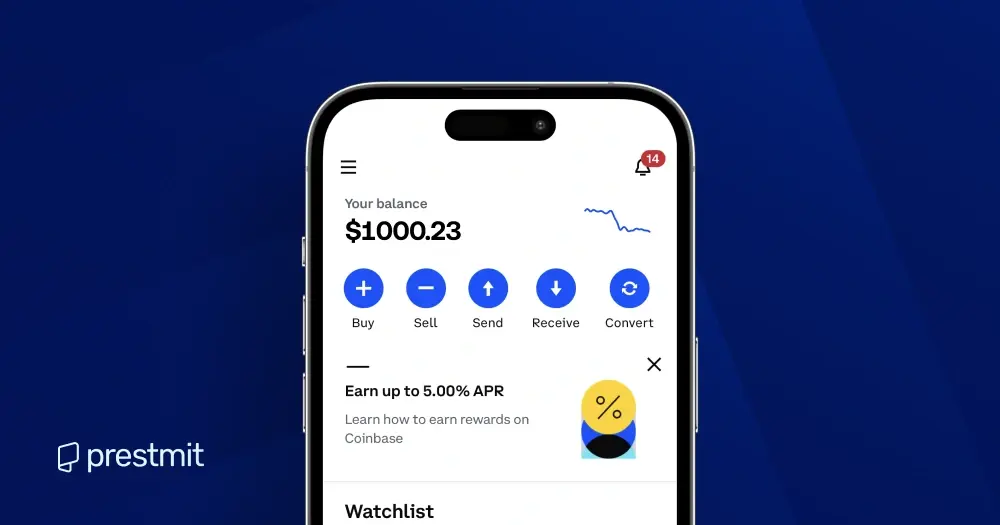
Step 1: Open Coinbase
You can get started by visiting the official Coinbase website or mobile app. You must enter your username and password to log into your Coinbase account.
Step 2: Click “My Assets”
You will be directed to a page that shows you Litecoin’s balance and the market value of Litecoin in real time. This section also enables you to know the equivalent of your Litecoin in US dollars.
Step 3: Click “Buy & Sell”
You will be provided with the options of Buy, Sell, and Convert. But you will click “Convert” as your preferred transaction method on this page.
Step 4: Enter Amount
Enter the amount of LTC that you want to convert to BTC. You can also click “Convert all” if you exchange all your Litecoin for Bitcoin. Click “Convert Litecoin” to proceed with the transaction.
Step 5: Order Preview
You will view the amount of BTC you will receive after the conversion, including the exchange rate used to calculate the amount of Bitcoin. This page will display your Bitcoin balance if you proceed with the swap.
Step 6: Click “Convert Now”
You will have successfully swapped your Litecoin to Bitcoin, as your new BTC balance will be displayed. The swapping is completed, and you can go back to “My Assets” to view your BTC balance. You can then start trading Bitcoin for crypto or fiat currency.
Fees and Exchange Rates When Swapping LTC to BTC on Coinbase
Here are the key things to know about fees and exchange rates when swapping Litecoin to Bitcoin on Coinbase, so you know exactly what to expect and what lands in your BTC wallet.
1. Conversion Fees:
Coinbase doesn’t charge a separate fee for crypto-to-crypto swaps. Instead, a small spread, usually around 0.5% above the market rate, is included in the quoted price. This is how Coinbase covers its costs, and there are no hidden charges on top of the previewed amount.
2. How the Rate Works:
The LTC to BTC preview includes Coinbase’s spread and reflects the amount you’ll receive at confirmation. Rates can change quickly, so the final BTC you receive depends on the exact market price at the moment you confirm. What you see in the preview is what you’ll actually get in your wallet.
Common Problems Associated with Swapping Litecoin to Bitcoin
Even simple processes can hit bumps. Here are the possible problems you might encounter during your swap, and how to avoid or solve them:
- Conversion Doesn’t Go Through: Your swap will fail if you don’t have enough LTC in your wallet or if your account isn’t fully verified. Always double-check both before starting.
- Rate Changes: Crypto markets move fast. If you wait too long between previewing the swap and confirming it, the BTC amount you receive may shift slightly. Confirm promptly to lock in the rate.
- Wrong Wallet Addresses: Sending LTC to a BTC wallet outside of Coinbase’s Convert tool won’t work, and you may not be able to recover it. Always triple-check addresses when moving funds between wallets.
- Temporary Network Delays: Most swaps are instant, but rare network congestion can delay the BTC balance update. Don’t panic, the conversion usually completes within seconds.
- Platform Glitches or Errors: Occasionally, Coinbase might display an error or fail to update your balance immediately. Logging out and back in usually fixes it, but if the issue persists, contact Coinbase support.
- Connectivity Issues: A poor internet connection during the swap can cause the process to fail or require reconfirmation. Make sure your connection is stable.
Best Place to Sell Your Bitcoin – Prestmit
If you want to sell Bitcoin for cash, gift cards, or other crypto assets, Prestmit is the best platform to achieve the trade. This is owed to the innovative features that enable you to have seamless and profitable trading on the platform.
Prestmit offers advanced security, multiple payment methods, a Bitcoin rate calculator, responsive customer support, fast payouts, and a user-friendly interface to give you an excellent trading experience.
How to Sell Your Swapped Bitcoin on Prestmit
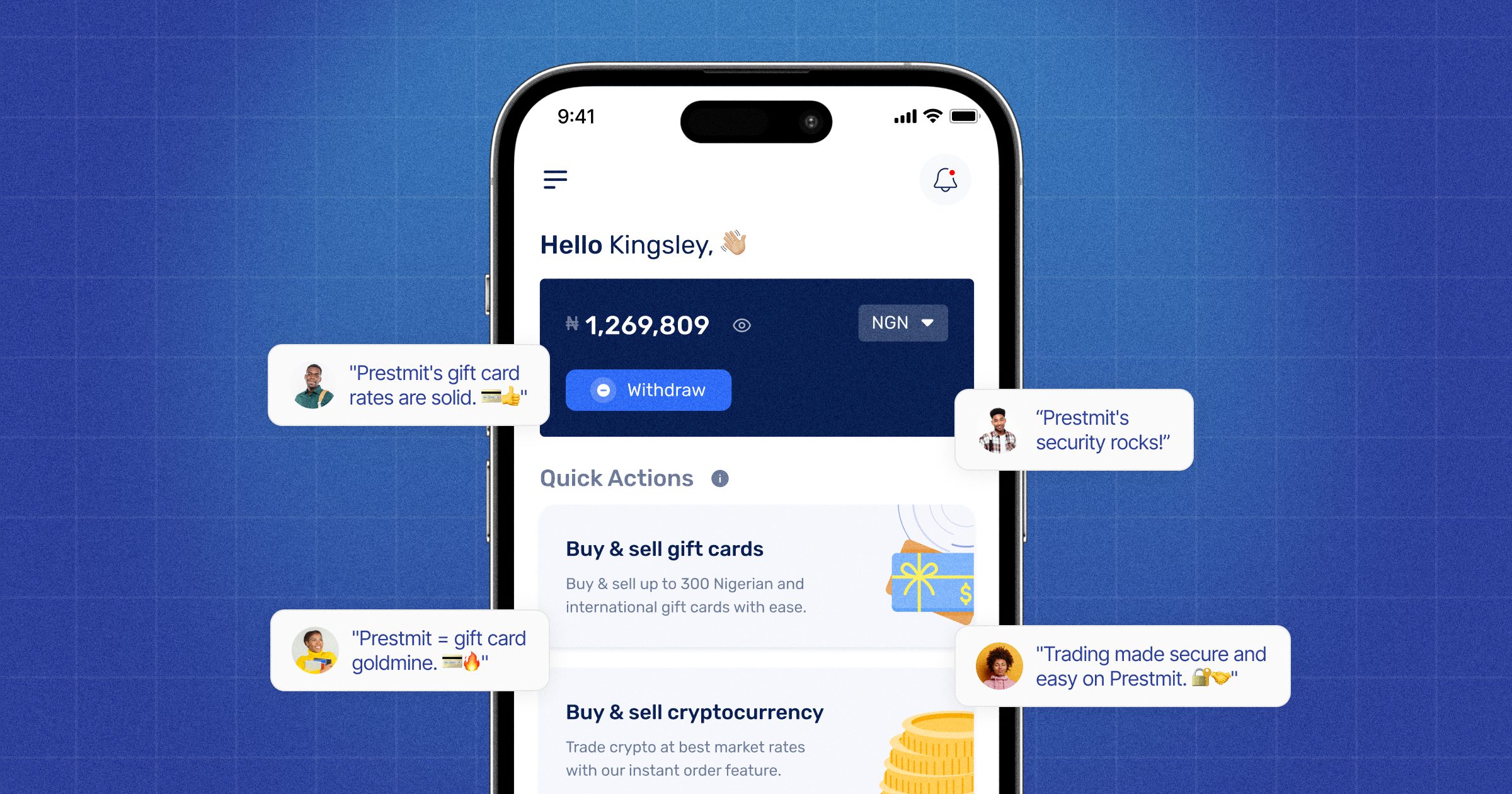
Here are the quick steps to sell the Bitcoin on the platform:
- Visit the official Prestmit website or download the Prestmit app on the Google Play Store or Apple Store.
- Create a Prestmit account and log in.
- Click “Buy & Sell Cryptocurrency” and choose “Sell Cryptocurrency.”
- Select “Sell Bitcoin” and generate a Prestmit BTC wallet.
- Follow the prompts to sell your Bitcoin.
- You will receive payment immediately after the successful confirmation of your transaction.
Frequently Asked Questions (FAQs) About Swapping Litecoin To Bitcoin On Coinbase
1. Can I Swap Litecoin To Bitcoin On Coinbase?
Yes, you can swap Litecoin to Bitcoin on Coinbase, an LTC/BTC pair trading.
2. Does It Cost A Fee To Swap On Coinbase?
There is a network fee associated with swapping on Coinbase. Network fees are paid to miners to validate transactions.
3. Why Can’t I Swap On Coinbase?
A swap can fail on Coinbase if there is a sudden shift in the exchange price between the cryptocurrencies you are trying to swap. So, you may need to wait sometime before retrying the transaction.
4. How Long Does It Take To Swap Litecoin To Bitcoin On Coinbase?
This depends on the confirmation time of the transaction on the network. But the swapping can take 2 minutes and 8 minutes to be completed.
Conclusion
Coinbase is an exchange that enables you to make different transactions, including crypto swapping. So, it allows you to swap Litecoin to Bitcoin as you continue to trade in the crypto market.
However, it is important to know the price of Litecoin and Bitcoin when you want to make the conversion to inform your decision on how and when to swap. This is because they are volatile assets with fluctuating prices.
Last updated on February 23, 2026