Table of Contents
Selling a gift card is supposed to be quick: submit your card, get paid, and move on. But payout times vary depending on the type of gift card, the trading platform you use, and how long verification takes.
The good news is you can speed up the process by choosing the right platform and avoiding common mistakes. This guide breaks down how long it takes to get paid after selling a gift card, what slows down the process, and tips to receive your money faster.
The Gift Card Payout Process: How Long It Takes
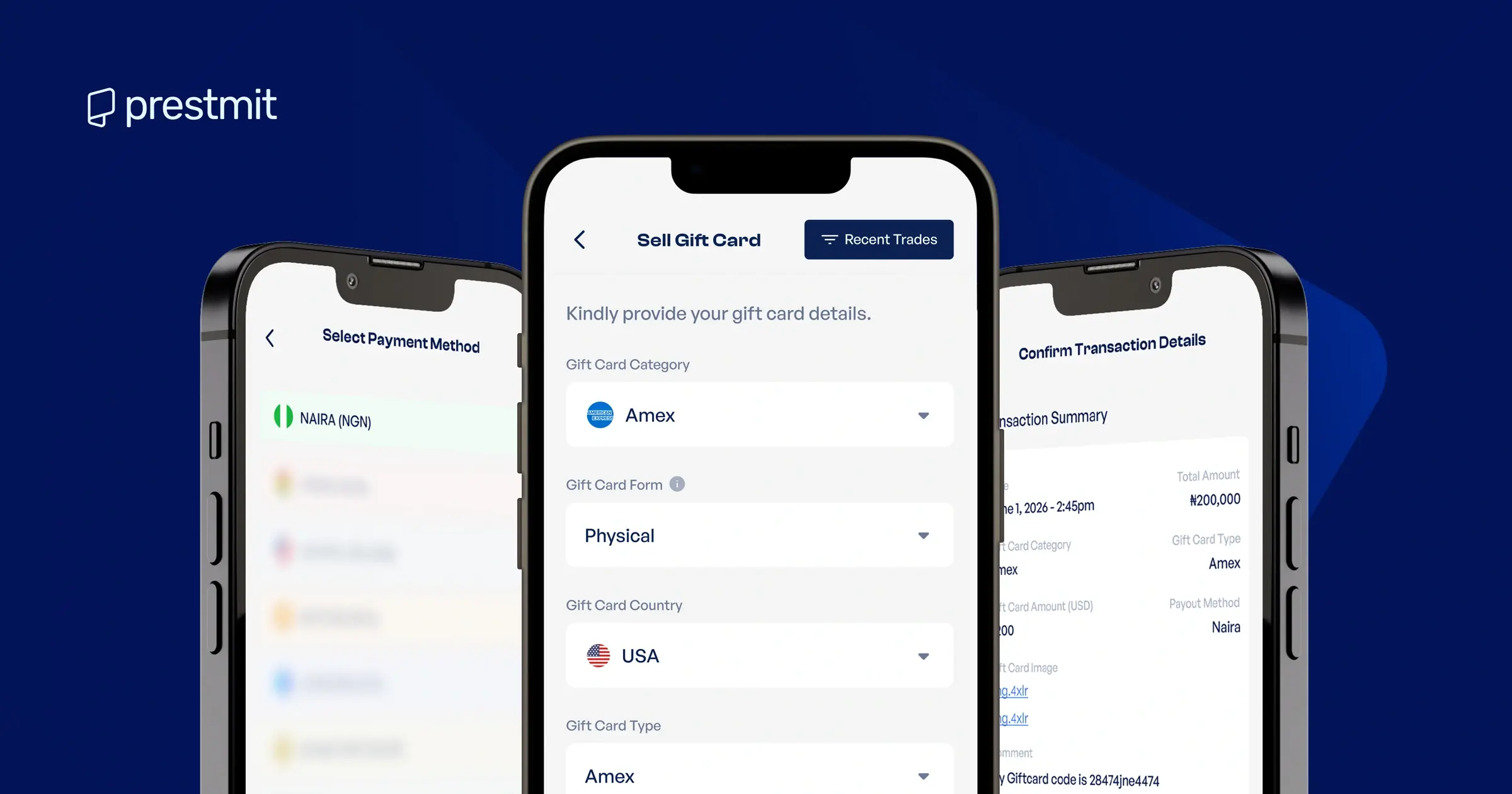
1. Gift Card Submission and Verification (5–15 Minutes)
Once you submit your gift card details, the verification process begins. During this stage, the platform checks the card’s code, activation status, balance, and other submitted details before approving the transaction
On Prestmit, verification typically takes 5–15 minutes after card submission. However, high-value gift card reviews, unclear images, or periods of high transaction volume may extend the processing time.
After you submit your gift card, you may see one of these statuses:
- Pending: The platform received your transaction and added it to the review queue. No action needed from you.
- Processing: The transactions team is actively reviewing your submission.
- Edited: There was an edit to your transaction details (amount, category, payout, etc). You will receive a notification explaining the change.
2. Wallet Credit (0 Minutes)
This is the stage where you find out the outcome of the verification process. You would see one of these statuses:
- Completed: Your transaction was successful, and the platform credits the equivalent value of your gift card to your selected wallet.
- Rejected: The platform could not process your transaction. This may happen if your gift card has already been redeemed, the code or details are invalid, or the card was never activated. See more reasons why gift card transactions get rejected.
3. Cash Withdrawal to Bank (Under 5 Minutes)
Following a successful verification process, you’ll receive the money in your wallet or bank account. Prestmit can send the payment directly to your local bank account if you’ve enabled Auto-Withdrawal. Payment usually arrives in under five minutes.
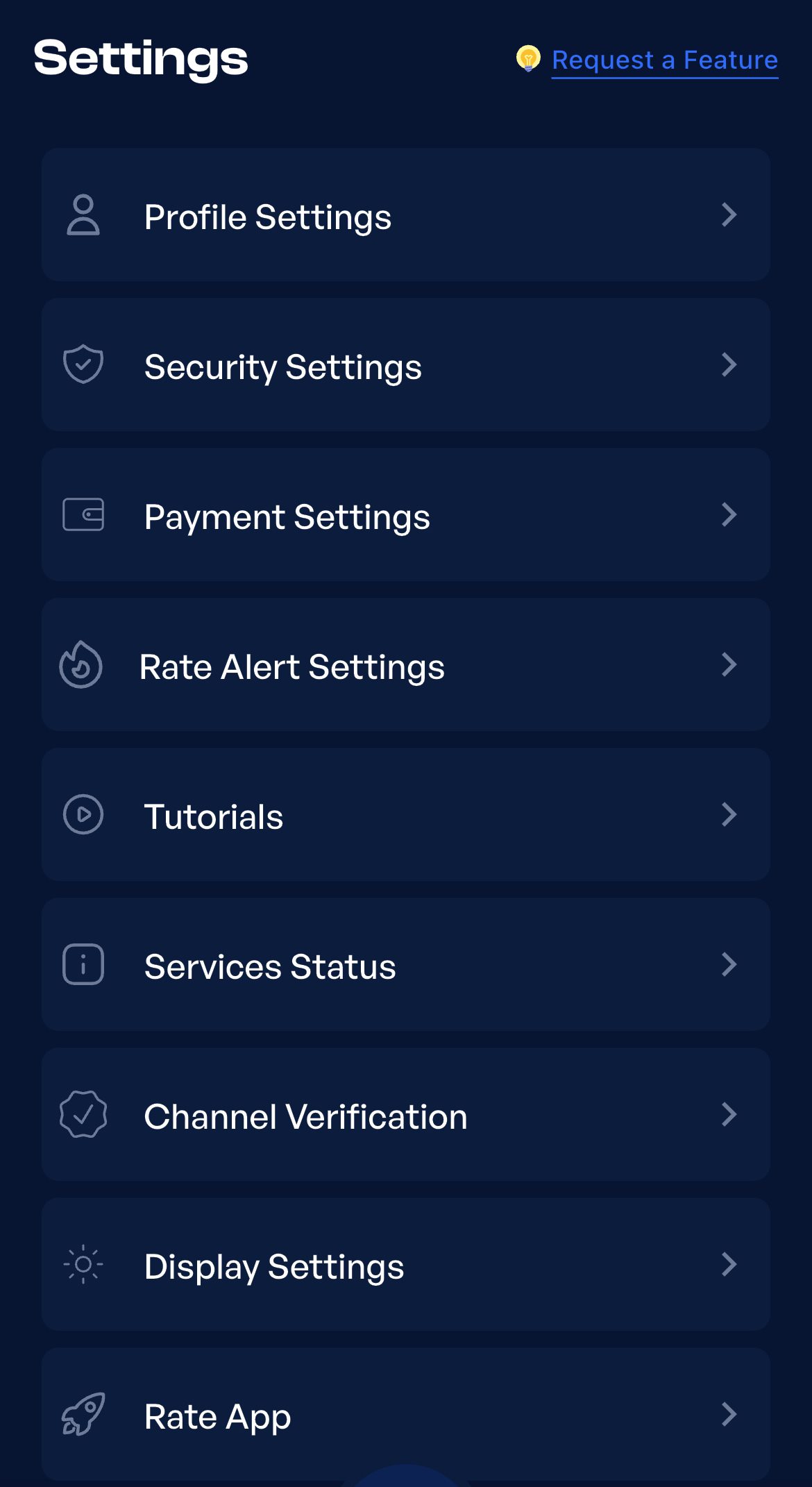
Here is how to receive automatic payments to your bank account on Prestmit:
Step 1: Go to Settings and tap Payment Settings
Step 2: Tap on ‘Enable automatic payout for gift cards’
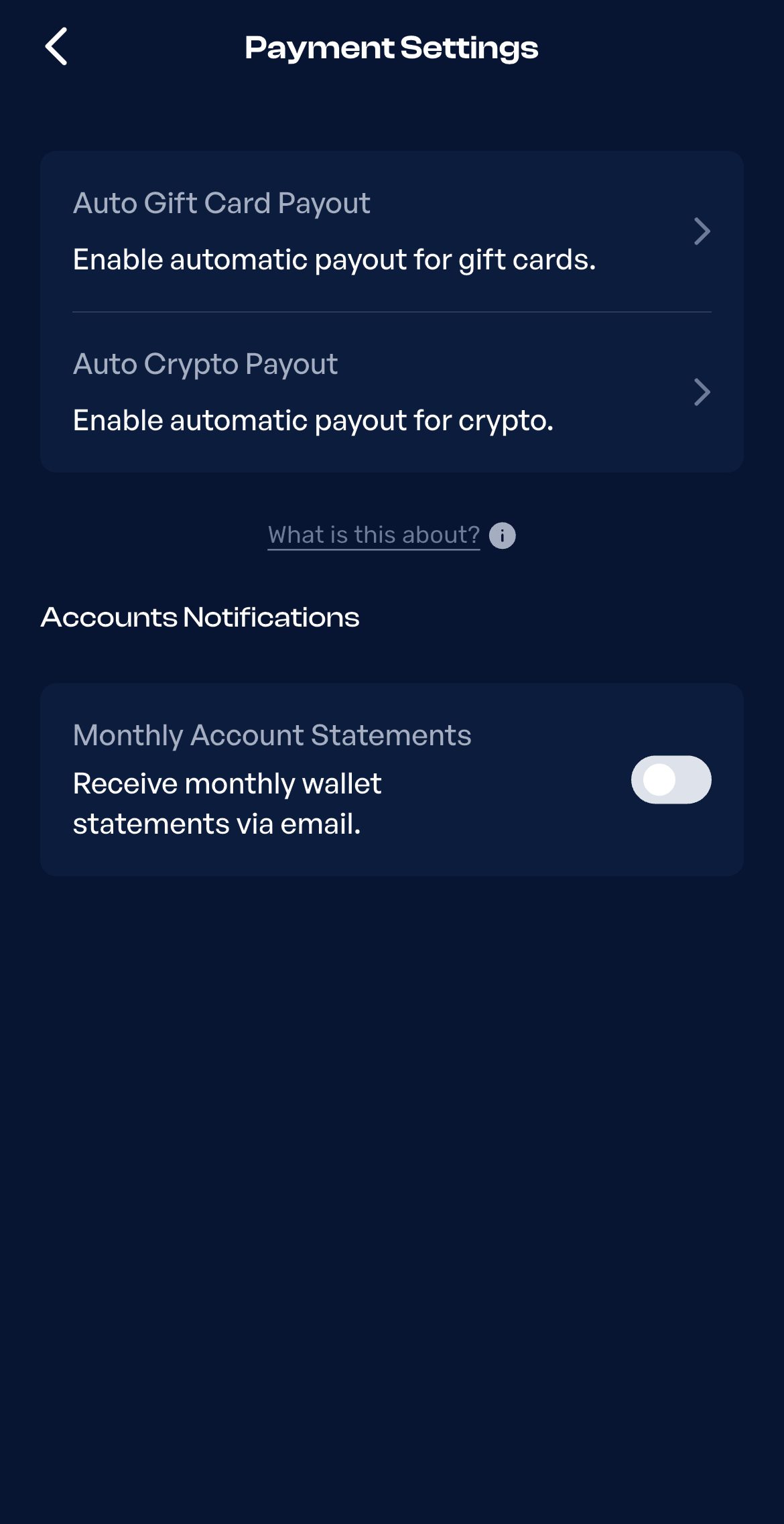
Step 3: Tap Enable for Naira Wallet or Cedis Wallet, depending on your choice. You will see the option to add a bank account right after.
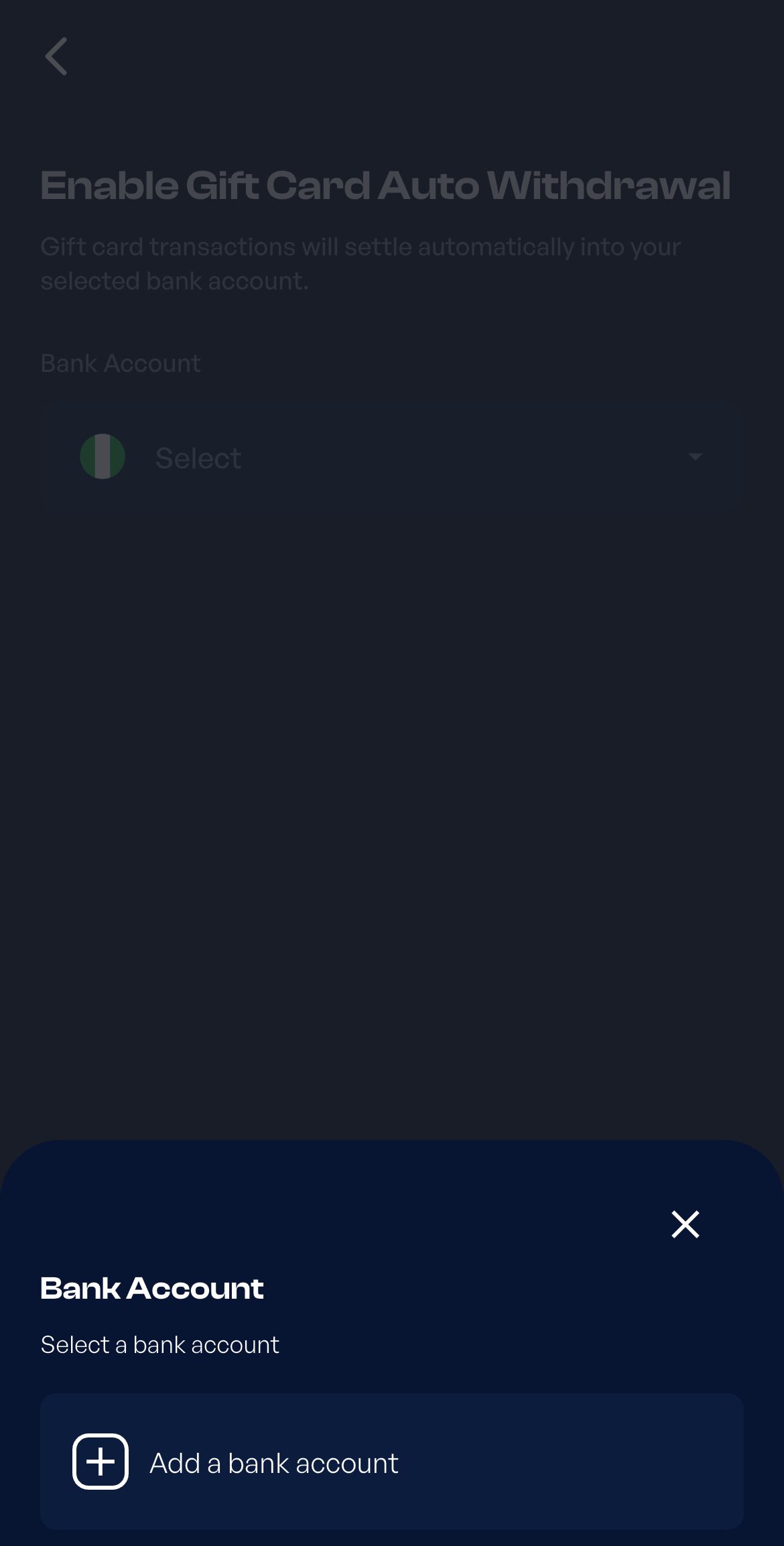
Step 4: Add your bank details and tap Save Bank Account. Follow the prompt and enter the 2FA code that Prestmit sends to your email. Henceforth, you’ll be receiving payouts in your bank account.
Overall, you should receive your payout in your bank within 5 to 20 minutes after selling.
Factors that Determine Your Fast Gift Card Payout
Not every sale moves at the same speed. These are the three factors that affect how long you get paid after selling a gift card:
1. Type of Card (E-Codes vs Physical Cards)

E-code vs physical card processing speed is the biggest deciding factor in how fast you get paid. E-code verification is usually faster because you submit the code directly instead of uploading a card image.
Physical cards, on the other hand, take longer to verify because the platform has to review the uploaded image carefully. The images must be clear with all the card details visible. You must also scratch off the silver panel on the card to reveal the code before taking a picture. These extra steps take more time. If speed matters, e-codes are always the faster option.
2. Busy Hours and High Volume Periods
Gift card trading platforms may experience periods of high transaction volume, especially during holidays or promotional periods. During these periods, more users submit gift cards for sale simultaneously, creating a longer verification queue. As a result, your transaction may take longer to process than usual.
3. Incorrect or Incomplete Gift Card Details
Failing to provide all the required card details can slow down verification. For physical gift cards, this may include uploading a blurry image, not uploading both sides of the card, or leaving the silver panel unopened. For E-codes, that could mean the wrong code, card amount, or category.
Tips to Get Paid Faster After Selling a Gift Card
1. Check That Your Gift Card Has an Active Offer
The gift card you want to sell may not be available for exchange due to low demand or the brand being under maintenance. You can check the live rates calculator to confirm there’s an active offer. If there isn’t, set a Rate Alert so you’ll know when it’s available instead of wasting time only to receive a rejection.
2. Submit Clear Photos for Physical Cards
If you’re selling a physical card, the quality of its image and the card’s condition directly affect the time to get paid. When taking the card’s image, ensure it comes out clear and readable.
Use good lighting, lay the card flat, and take the image directly above the card. If the card has a silver panel, scratch it off to reveal the code before taking the picture.
3. Double-Check Your Card Details Before Submitting
Entering the wrong details can lead to the rejection of your transaction, which means you’ll have to start all over again. To avoid this, double-check every detail before submitting your gift card. Start by confirming that the gift card code is correct. Check for small mistakes like typing the letter “l” in place of “1”, “O” instead of “0”, or missing a character.
Next, make sure you’ve selected the correct gift card category and sub-category, entered the right amount, and uploaded clear images (if physical). Sparing a few seconds to check everything is correct helps avoid frustration.
Best App to Sell Your Gift Card and Get Paid Instantly – Prestmit
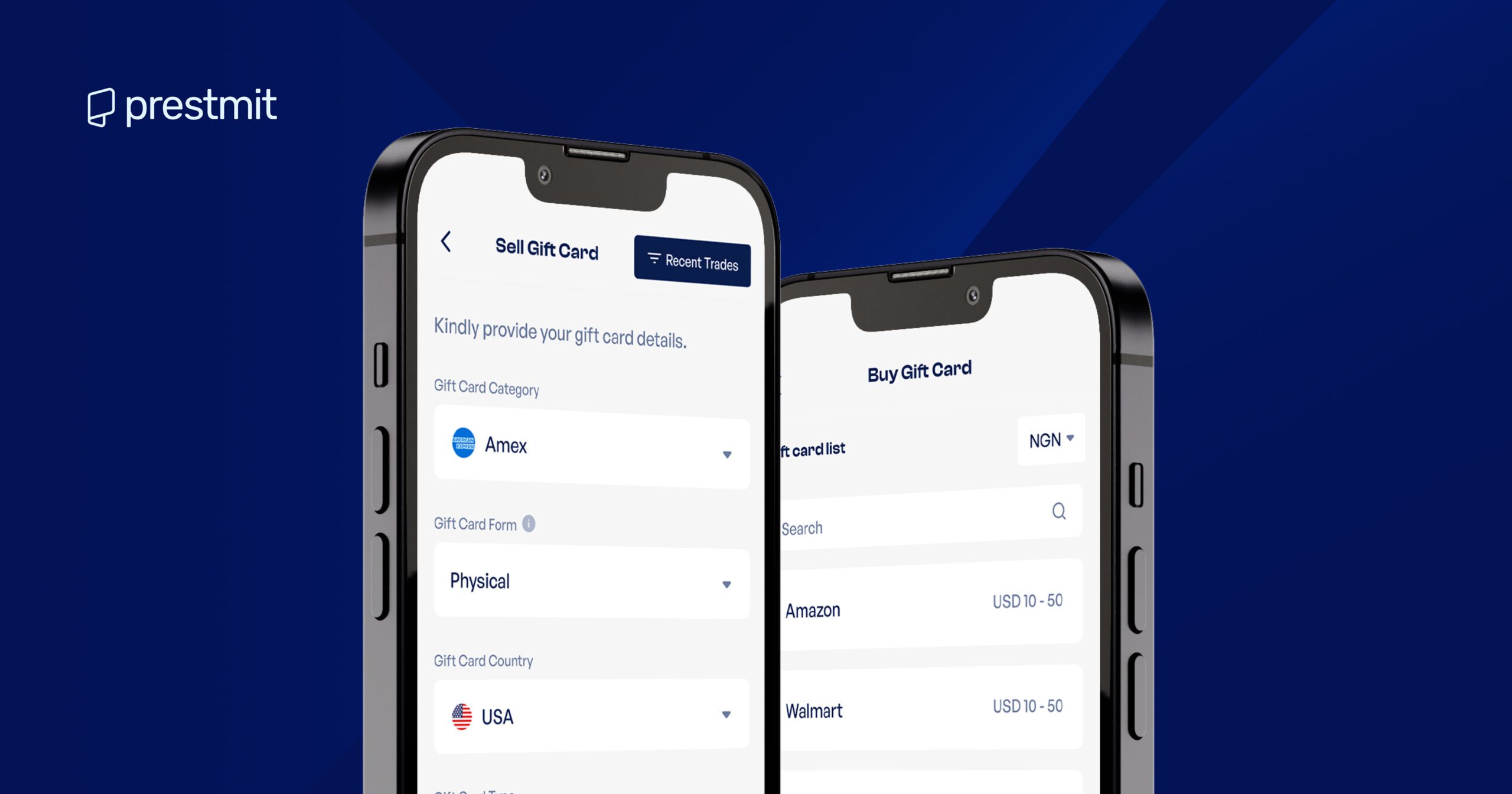
Prestmit is one of the fastest ways to sell gift cards and receive payment instantly. It supports a wide range of gift cards, including Amazon, Steam, Google Play, PlayStation, and many more, while offering competitive rates so you get more value from every sale.
The built-in rate calculator displays the current value of your gift card, so you always know what you’ll receive upfront. Wallet payouts give you more flexibility, allowing you to cash out in Naira, Cedis, USD, or cryptocurrency. If you prefer direct bank payments instead, the Auto Withdrawal feature deposits your payout straight into your local bank account within minutes.
Buying gift cards is equally straightforward. Browse a wide catalogue of brands, enjoy competitive pricing, and pay with Naira, Cedis, USD, or cryptocurrency. You’ll receive your gift card shortly after completing your purchase.
Beyond gift cards, Prestmit also offers multi-currency conversion, making it easy to switch between supported currencies in one place. Biometric verification and two-factor authentication (2FA) protect every transaction, while responsive customer support is available whenever you need assistance.
Here is how to sell your gift card on Prestmit:
Step 1: Sign up or log in to your Prestmit account.
Step 2: Tap Gift Cards and select Sell Gift Cards.
Step 3: Choose your preferred payment method from Naira, Cedis, USD, or crypto.
Step 4: Select your gift card brand and subcategory, enter the amount, and upload a clear image of your card (if physical). If it’s an E-code, simply enter the code in the Enter Optional Comments field.
Step 5: Confirm the details and submit. Payment is credited to your wallet or bank account once the card is verified, usually within 5–15 minutes.
Frequently Asked Questions About Gift Card Payout Time
1. How long does it take to sell a gift card?
On Prestmit, you’ll receive your payout in your bank account or wallet, 5–15 minutes after you submit the card details
2. Can you sell gift cards online and get paid instantly?
Yes, Prestmit lets you sell gift cards online and receive payment within 5–15 minutes after verification.
3. What if my payment doesn’t arrive after 30 minutes?
Check your wallet to see whether the payment is reflecting. If the wallet shows nothing after 30 minutes, contact customer support with your proof. On Prestmit, the support team is available 24/7 via in-app live chat.
Conclusion
Most gift card payouts happen within minutes once your card verification is successful. The whole process takes three stages, and factors like the card type, transaction volume, and accuracy of your card details can determine the time to get paid. Choosing a reliable platform like Prestmit helps reduce unnecessary delays with fast verification and automatic payouts.