Table of Contents
Getting an Apple gift card in Nigeria is easy. But knowing what to do with it afterwards is where many people get stuck. Some users redeem their cards without understanding the available options, while others hold on to unused cards because they don’t know how to get the most value from the gift card. Understanding how it works can help you make the right decision before redeeming it.
In this guide, you’ll learn how to use an Apple gift card in Nigeria, how to redeem it correctly, and where to get one instantly.
Common Uses of Apple Gift Cards
1. Send as a Gift — Locally or Across Borders
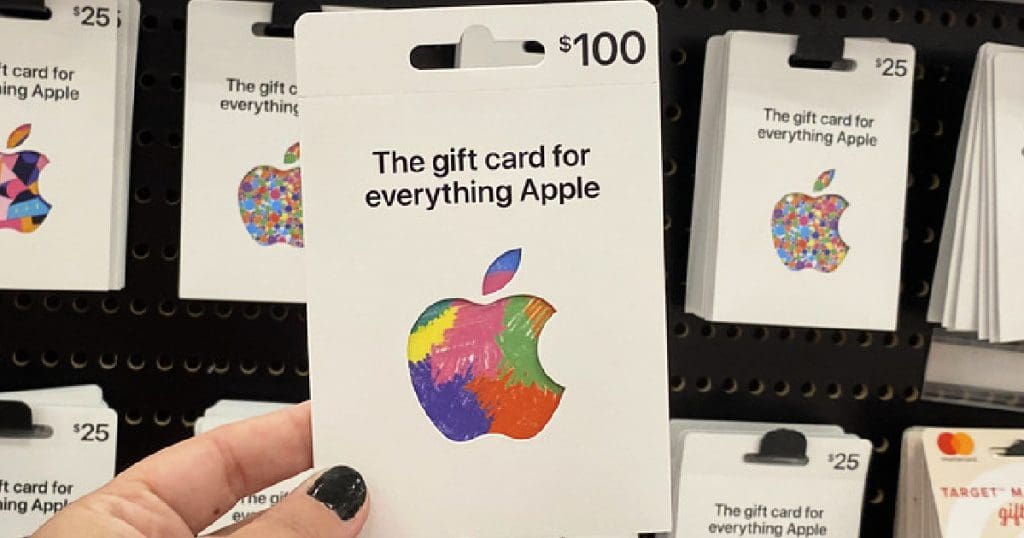
You can send an Apple Gift Card to friends, family, clients, or business partners as a digital gift instantly to anywhere in the world, with zero border restrictions. An Apple Gift Card can also make a thoughtful gift, especially when you want to send something useful to someone in another country.
For example, instead of sending money through a bank transfer or worrying about currency conversion, you can send a friend or family member an Apple Gift Card that they can use for purchases on their Apple Account. It gives the recipient the freedom to choose what they want, whether that’s an app, game, subscription, or other eligible Apple content.
2. Access Apple Services Without a Dollar Card
You can use your Apple gift card balance to pay for eligible Apple services like Apple Music, Apple TV+, iCloud+, among others, without relying on a dollar card. After redeeming the card, Apple adds the value to your Apple Account balance, which you can use for supported purchases and subscriptions.
3. Buy Apps, Games, and Premium In-App Content
You can use an Apple Gift Card to buy apps and games directly from the App Store. This comes in handy when you want to download a paid app or game without linking a debit or credit card to your Apple Account. The gift card balance can also cover in-app purchases. For example, you can use it to unlock premium features in an app, buy extra lives or virtual items in a game, or pay for eligible subscriptions.
4. Pay for iCloud Storage Without a Foreign Card
You can also use your Apple Gift Card balance to pay for eligible iCloud+ storage plans if you don’t have a dollar card. This gives you more space to store photos, videos, files, and device backups without connecting a foreign debit or credit card to your Apple Account.
For example, if your iPhone storage fills up because you have too many photos and videos, you can use your Apple Account balance to pay for an eligible iCloud+ plan and create more room for your files.
5. As a Means to Get Cash
Lastly, you can sell your Apple gift cards for cash in Nigeria. Gift card holders often convert their cards into cash at emergence. If you need cash urgently, you can simply turn your Apple gift card into cash on a trusted digital trading platform in the country.
How to Redeem an Apple Gift Card in Nigeria
You can redeem an Apple Gift Card directly through your iPhone, iPad, or the App Store. Follow these steps to redeem your gift card on the App Store:
- Open the App Store on your iPhone or iPad.
- Tap your profile picture in the top-right corner.
- Select Redeem Gift Card or Code.
- Choose Use Camera to scan the code or select Enter Code Manually.
- Enter the gift card code and tap Redeem.
Apple will add the card’s value to your Apple Account balance after successful redemption. You can then use the balance for eligible purchases and subscriptions.
Before you redeem the card, make sure the Apple Gift Card matches your Apple Account’s country or region. Apple Gift Cards typically work only in the country or region where the card was purchased.
Also, redeem the card only if you plan to use the balance for Apple services. Once you add the value to your Apple Account, you generally cannot transfer the balance to another account or sell it as an unused gift card.
Prestmit – Trusted App to Buy Instant Apple Gift Cards in Nigeria
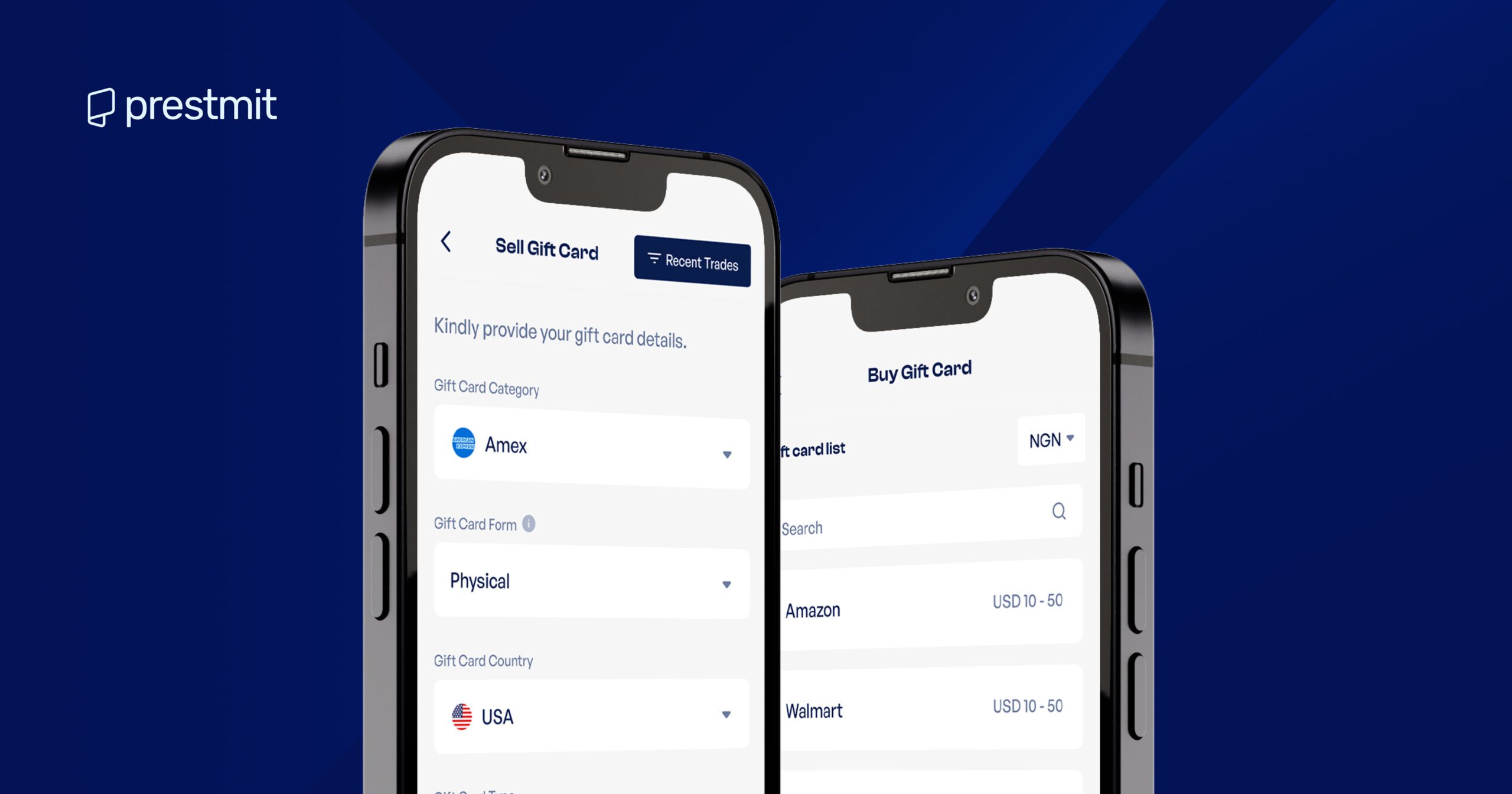
Prestmit is the fastest and most convenient way to buy Apple gift cards in Nigeria. You can buy the gift card at competitive prices and pay with your preferred currency, including Naira, Cedis, USD, and cryptocurrency. This makes the platform convenient for users who want to buy gift cards for personal use, send them to someone else, or make digital purchases across borders.
Buying an Apple Gift Card on Prestmit is also straightforward. The platform offers simple navigation that lets you complete your transaction without unnecessary steps. Once you complete your payment, Prestmit delivers your Apple Gift Card quickly, so you don’t have to wait for a physical card or deal with complicated delivery processes. If you run into any issue, the customer support team can help you resolve questions about your transaction.
Prestmit also protects your account with security features such as biometric verification and two-factor authentication (2FA), which help prevent unauthorized access.
Together with its wide range of gift cards, multiple payment options, competitive pricing, fast delivery, simple transaction process, and responsive customer support, Prestmit offers a convenient way to get an Apple Gift Card online.
How to Buy Your Apple Gift Card on Prestmit
Step 1: Create or Log In to Your Prestmit Account
Start by creating a Prestmit account if you’re a new user. Existing users can simply log in through the website or mobile app.
Step 2: Select “Gift Cards”
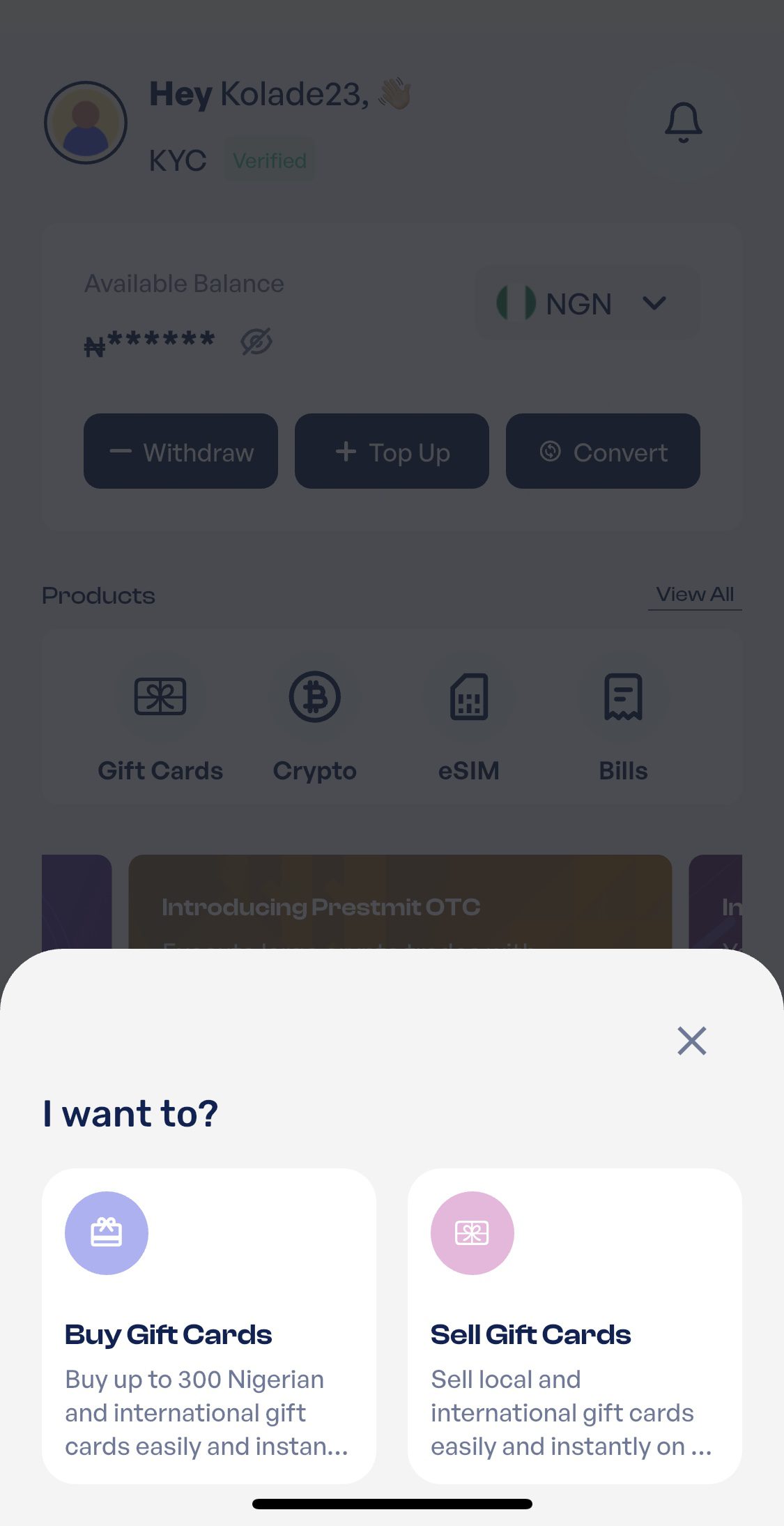
From the dashboard or home screen, tap the Gift Cards section and select the “Buy Gift Cards” option to begin a new transaction.
Step 3: Choose Your Preferred Gift Card
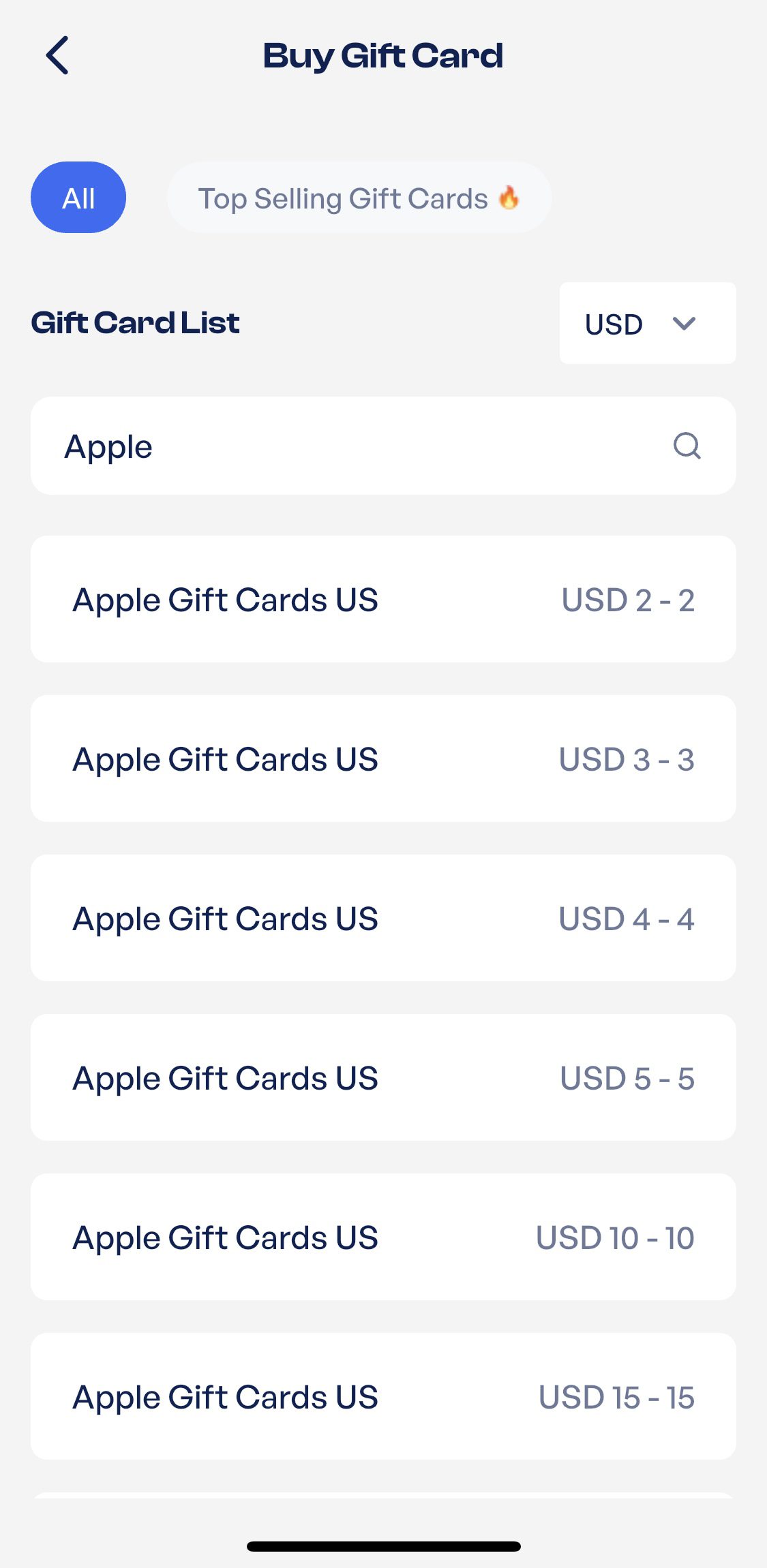
Select the search bar and type in the gift card name you need. Since we’re searching for “Apple” gift cards, that’s the keyword. Then click “Continue”
Step 4: Select the Specifics here
Select the amount of Apple gift card you want to buy. Then, click “Proceed”.
Step 5: Confirm Your Transaction
At this point, you need to confirm your transaction to avoid information mismatch and to be sure there’s no miscalculation. Then, click “Proceed”.
Step 6: Choose Payment Method
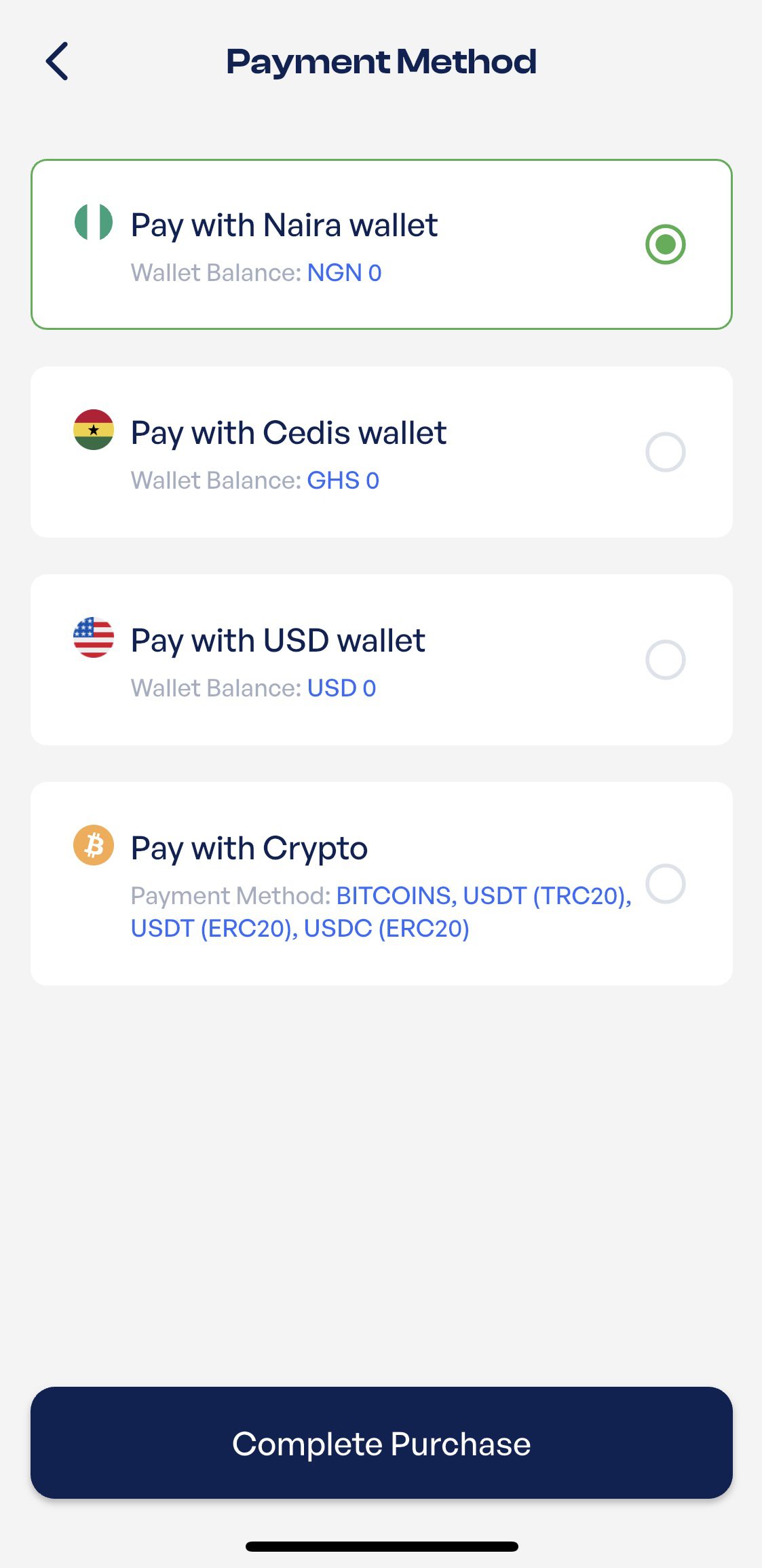
Choose your preferred payment method and “Complete Process” to move to the last phase.
Step 7: Complete Transaction with your PIN
At this point, you can make your payment by using your Transaction PIN or Biometrics (fingerprint) to complete your payment.
After your payment is verified, your gift card will be sent to you with an email confirmation upon receipt, quickly and securely.
Ready to buy an Apple gift card today?
BUY YOUR GIFT CARDS ON PRESTMIT NOW
Download Prestmit on Google Play Store
Download Prestmit on Apple Store
Frequently Asked Questions
1. Where can I buy an Apple Gift Card?
You can buy an Apple Gift Card from Prestmit and receive it digitally. Prestmit offers multiple payment options, including Naira, Cedis, USD, and cryptocurrency. You can use the card for personal purchases, send it as a gift, or redeem it for eligible Apple services.
2. Can I convert my Apple gift card to cash?
You cannot directly convert an Apple Gift Card balance to cash through Apple. However, you can sell an unused Apple Gift Card on a trusted gift card trading platform and receive payment based on the card’s current market rate. Always check the platform’s rate and confirm its reputation before trading.
3. How Can I Check My Apple Gift Card Balance?
You can check your Apple Gift Card balance by opening the App Store, tapping your profile picture, and checking your Apple Account balance. If you have not redeemed the card yet, you can also redeem the code to add the value to your balance.
Conclusion
Apple Gift Cards offer more value than many Nigerians realise. Obviously, you can use them for multiple online purchases across borders, or convert an unused card through a trusted gift card trading platform.
If you want to buy an Apple Gift Card instantly in Nigeria, Prestmit provides a convenient way to get one online using multiple payment options. Just remember to check the card’s region before purchasing or redeeming it, and always use a trusted platform when buying or trading gift cards.