Table of Contents
When you’re about to make your first online purchase with a gift card, it’s normal to have a few questions in the back of your mind. Maybe you’re wondering if the card will work at checkout. Or you’re unsure whether to enter it as a payment method or redeem it somewhere else.
These are common concerns, but using a gift card online is usually a simple process. This guide walks you through the steps involved, from preparing your card for use to completing your online purchase successfully, so you can shop with confidence and avoid payment issues.
Let’s get into it.
What You Need to Do Before Using a Gift Card Online
1. Check Your Gift Card Balance
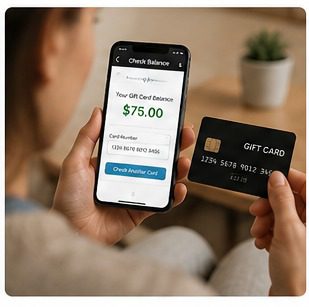
Always check your gift card balance before making a purchase. This helps you confirm that the card has enough funds to cover the cost of your order, including taxes, shipping fees, or any additional charges. Most gift card providers allow you to check your balance online through their website or mobile app.
2. Verify the Card Has Been Activated
You need to activate some gift cards before using them for online purchases. If your card is new, verify that it has been activated before attempting to use it. If you’re unsure, contact the card issuer or retailer for confirmation.
3. Have the Card Number and PIN Ready
Online purchases usually require the gift card number and, in some cases, a PIN or security code. Before proceeding to checkout, locate these details and keep them handy. Physical gift cards often have the PIN hidden under a scratch-off panel, while digital gift cards typically include the information in the delivery email.
4. Register a Billing Address (For Visa, Mastercard, and AMEX Gift Cards)
If you’re using a Visa, Mastercard, or American Express gift card, you may need to register a billing address with the card issuer before making online purchases. Some websites verify the billing address entered during checkout against the address linked to the card before approving a transaction. If it doesn’t match, the transaction may decline.
How to Use a Gift Card for Online Purchases
Step 1: Visit the Website or App
Go to the website or mobile app where you want to make a purchase. Before proceeding, confirm that the platform accepts your gift card. Most retailer gift cards only work with the brand that issued them, while you can often use Visa gift cards, American Express gift cards, and Mastercard gift cards anywhere those payment networks are accepted online.
Step 2: Create an Account or Sign In
Some online stores may require you to create an account before making a purchase. If you already have an account, simply sign in and continue shopping.
Step 3: Add Items to Your Cart
Select the items you want to buy and add them to your shopping cart. Review your order to ensure the items, quantities, and prices are correct.
Step 4: Proceed to Checkout
When you’re ready to complete your purchase, navigate to the checkout page. This is where you’ll enter your payment and delivery information.
Step 5: Enter the Gift Card Information
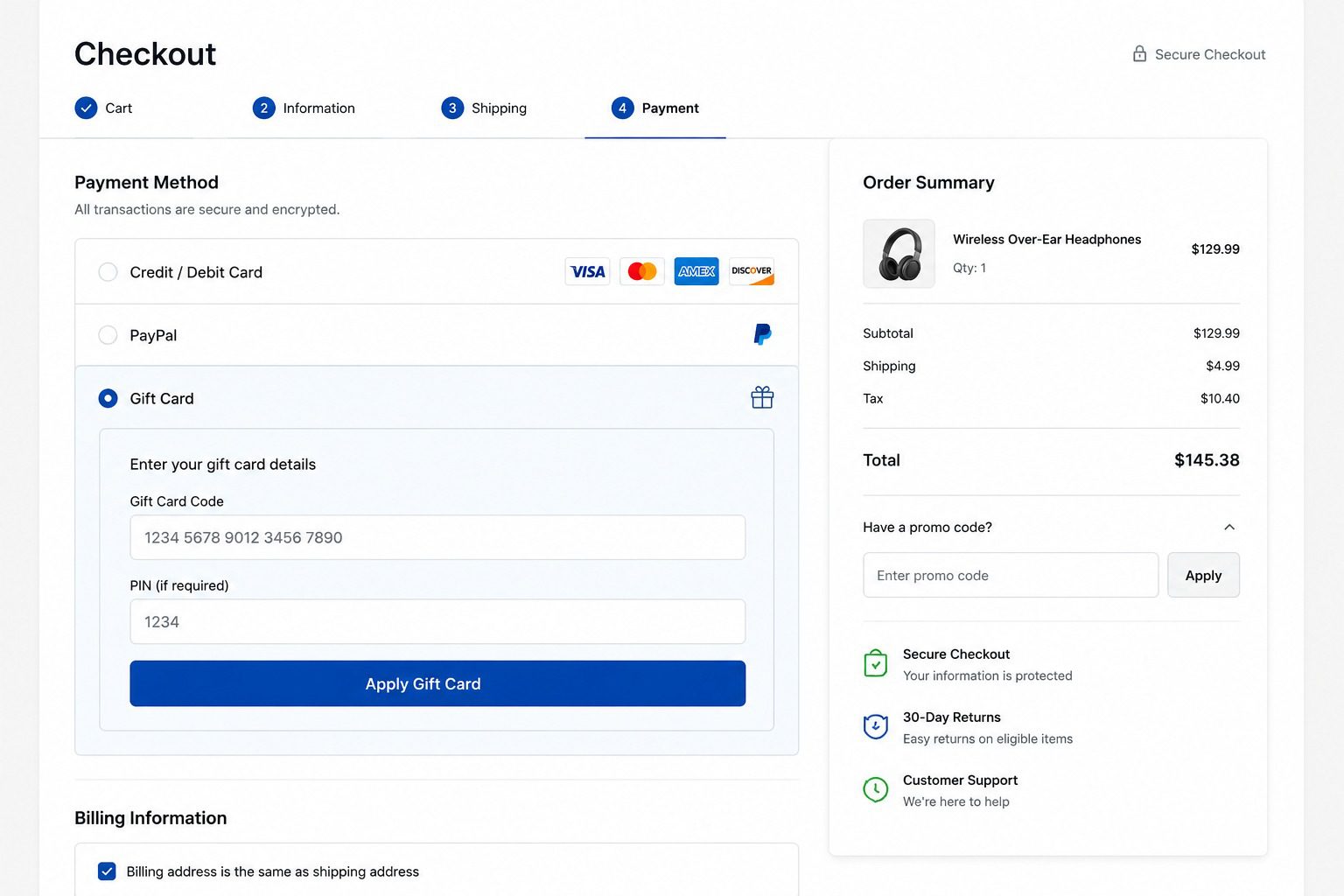
During checkout, look for a section labeled Gift Card, Gift Card Code, or Redeem Gift Card. Depending on the website, you may find this option within the payment section or alongside coupon and promo code fields.
If you’re using a store gift card, enter the gift card number and PIN (if applicable) in the designated gift card field.
If you’re using a Visa, Mastercard, or American Express gift card, enter the card details just as you would with a regular debit or credit card. You may also be asked to provide the billing address linked to the card.
Step 6: Complete the Purchase
After entering your gift card details, review your order one final time and submit the payment. If the transaction is approved and the card has sufficient funds, your purchase will be completed successfully.
If the gift card balance does not cover the full cost of the order, some merchants may allow you to pay the remaining amount using another payment method.
Common Problems When Using a Gift Card Online
Even when you follow the correct steps, a gift card transaction may sometimes fail. Here are some common issues and how to resolve them:
- Insufficient Balance: The gift card does not have enough funds to cover the full cost of your purchase. Check your balance and, if the merchant allows it, use another payment method to cover the remaining amount.
- Incorrect Card Details: Entering the wrong gift card number, PIN, or security code can cause the transaction to fail. Double-check the information and try again.
- Gift Card Not Activated: An inactive gift card cannot be used for online purchases. Contact the retailer or card issuer to confirm the card has been activated.
- Billing Address Mismatch: Some Visa, Mastercard, and American Express gift cards require a registered billing address. Ensure the billing information you enter at checkout matches the address linked to the card.
- Website Does Not Accept the Gift Card: Store gift cards typically only work with the retailer that issued them. Confirm that the website accepts your gift card before attempting to make a purchase.
- Expired or Restricted Card: Some gift cards have expiration dates or usage restrictions. Review the card’s terms and conditions or contact the issuer for clarification.
Best App to Sell Gift Cards — Prestmit
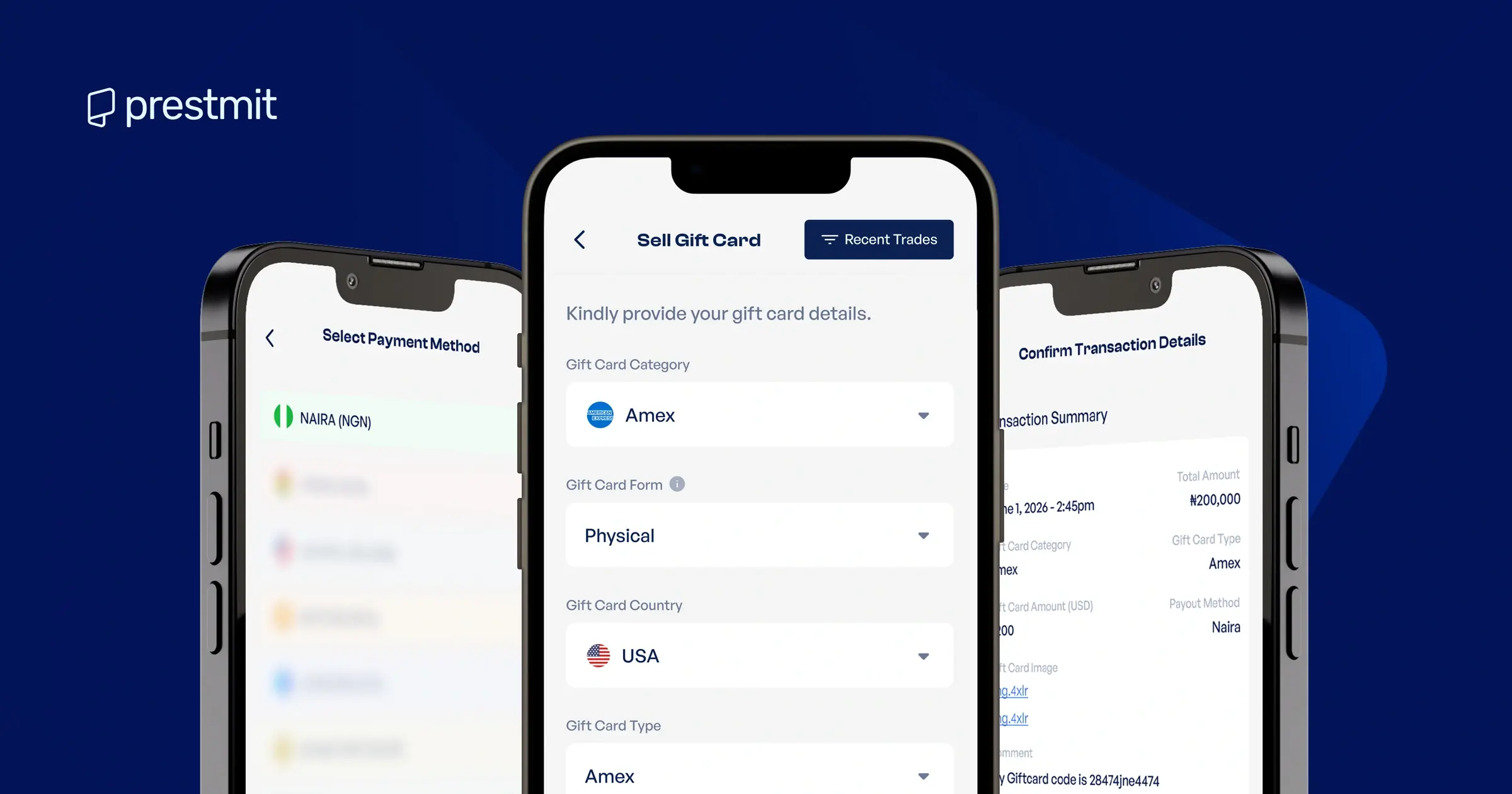
Prestmit provides a fast, secure, and convenient way to sell gift cards. The platform supports a wide range of cards, including Amazon, Steam, Apple, Nordstrom, Xbox, etc.
One of the biggest advantages of using Prestmit is its competitive gift card rates. Before initiating a transaction, you can use the built-in automated gift card rate calculator to check the current value of your gift card. This will help you know what to expect before completing your transaction.
When you sell a gift card on Prestmit, you have multiple options for receiving your payment. Depending on your preference, you can receive your funds in Naira, Cedis, USD, or cryptocurrency. If you don’t need to withdraw immediately, you can keep your funds in your secure wallet and manage your balances directly within the app.
Moreover, if you want immediate access to your money, the auto-withdrawal feature makes it possible to withdraw directly to your bank account in Naira or Cedis without additional steps.
Prestmit incorporates advanced security measures like SSL encryption, two-factor authentication (2FA), and biometric verification to protect accounts and transactions. In addition, round-the-clock customer support is available to assist you whenever you encounter challenges or need help with a transaction.
Frequently Asked Questions
1. Can I use a gift card for online purchases?
Yes, you can use many gift cards for online purchases, provided the website or app accepts that particular card. During checkout, you’ll typically be asked to enter the gift card details in a designated payment or gift card section.
2. Why is my gift card being declined online?
A gift card may be declined for several reasons, including insufficient balance, incorrect card details, activation issues, or a billing address mismatch. If this happens, double-check the information you’ve entered and confirm that the card is valid for online use.
3. Can I combine a gift card with another payment method?
Yes, in some cases, you can. Some retailers allow you to use a gift card for part of the payment and then pay the remaining balance with a debit card, credit card, or another accepted payment method.
4. Can I use a Visa gift card online?
Yes, you can use a Visa gift card for online purchases anywhere Visa is accepted. However, you may need to register a billing address before you can use it successfully online.
5. Can You Use Multiple Gift Cards for One Online Purchase?
Sometimes yes, sometimes no, as this depends entirely on the retailer. Some websites allow you to use multiple gift cards in a single order, while others limit purchases to one gift card per transaction.
Conclusion
Using a gift card online is not complicated. Once you know where to enter the card details, check your balance beforehand, and confirm that the website accepts your gift card, the rest is usually straightforward.
The most important thing is understanding how your specific gift card works, since not all gift cards can be used in the same way. Still, regardless of the type of gift card you have, following the steps outlined in this article and paying attention to the card’s requirements can help you complete your purchase confidently.